
While digital locks are very advanced, your business will still need physical keys for many years to come. Here is a guide on the benefits of physical key management systems vs. digital locks when it comes to business use.
The Importance of Key Management in the Workplace
To begin, you must understand how important key management is. When you have a physical work location or a fleet of vehicles and accompanying keys, never underestimate the need for a solid key management system. It is how you track, store, and distribute keys to access work areas and assets.
Granting staff access to your assets and sensitive locations means giving individuals privileges with an understanding they do not abuse it. It’s important that you can track who has access to which keys, and can see the status of your assets at any given moment.
Why You Need a Key Management System
Getting down to the basics of a key management system,, it essentially does what you cannot do by manual tracking. It accomplishes three major things for your organization:
Stores and distributes keys
Allows you to manage permissions off-site
Offers automation and analytics
Without an excellent system, you will waste precious work hours and human labor on hunting down a key that goes missing. You could end up with wasteful spending because of rekeying costs, too.
Key Management System Options
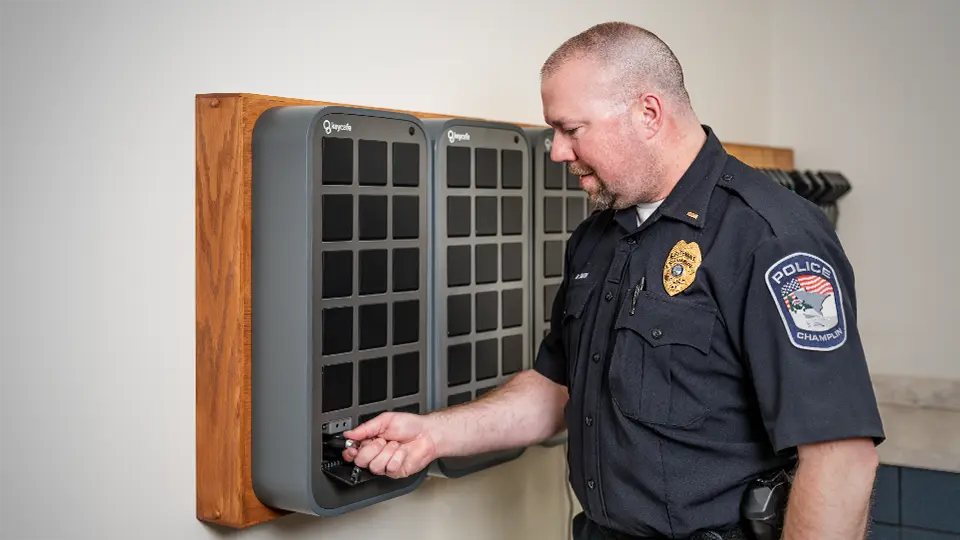
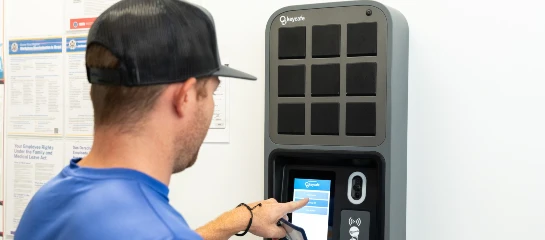
Digital locks are well-known for their technology-driven features. What you may not realize is that physical keys and locks can take advantage of the same features using a modern key management system like the Keycafe SmartBox.
First,let’s discuss the distinct differences between digital locks and physical keys. Then, we’ll go through the benefits of each.
How Digital Locks Work
Instead of a physical key, you unlock a door with a device using electronic signals. Usually, digital locks use a keypad with pin codes on it. However, there are options for Bluetooth, RFID, fingerprints, WiFi, and more.
They are convenient since you do not need to carry a physical key, which can be lost or forgotten. Many people who use a digital door lock do so to eliminate the need for a physical key.
However, if you need to convert the lock on one door to a digital lock, you must change the lock on every door to reap the full benefits. Depending on the number of doors in your business, this can be prohibitively expensive. There are some other challenges to consider as well, which is why you should keep in mind that despite the convenience, physical keys and locks still have their place in a modern business.
Physical Key Benefits
In addition to doors of offices and accommodations, vehicles and other business assets still utilize physical keys. They have stood the test of time and continue to have benefits over digital technologies.
Less Expensive
Physical keys and locks are cheaper than the digital alternative. As previously mentioned, businesses with many doors that need to have their locks converted face an immense upfront fee. Installation can also take an extended period of time, impacting or even halting business.
Reliable
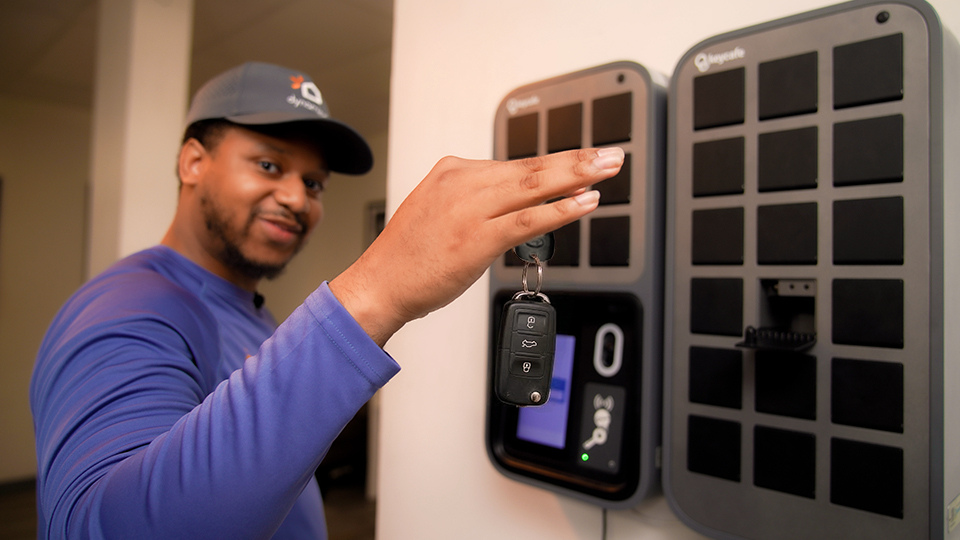
Some new vehicles allow digital access through mobile apps, but they still have a physical key. Auto dealerships manage hundreds of physical keys for their vehicle inventory and rely on smart key management to keep track of sales, service, and other departments. See how a Ford Dealership uses Keycafe’s key management system to eliminate missing keys.
Keycafe SmartBox Benefits
You can manage and store physical keys with a system like the Keycafe SmartBox.
Better Risk Management
When you have a key management system in place, you can keep a transaction log of all key accesses. This lends itself to accountability. You know who is responsible for using each key.
Improve Operations
You must keep tight control over your physical keys. If you must give a key at a certain time and the person must return it at a specific time, you can monitor that and tailor the permission. You can also reserve keys if you must distribute them at a particular time when tasks are time-sensitive.
How to Get Started
This is an investment in business efficiency and clarity, and a physical key management system doesn’t have to be complicated. With the right team to support and educate you, a well-prepared implementation can make a huge difference. Here is how to start.
1. Plan
First, before investing in a new physical key management system, take some time to decide what you want your system to do. What results should it generate for you? When you have a plan, implementing your physical key management system will be smooth sailing.
2. Design
Next, you will need to decide how many keys you need to manage and what kind of information you want from the software. Also, you will need to know where the locations are for where you want the keys stored and accessed from.
3. Track and Integrate
Once you’ve successfully installed your key management system, you can track and manage your physical keys. With some systems like Keycafe, you can benefit from industry software integrations or use API to create your own integration.
Manage Your Keys with a Keycafe SmartBox
From just one account, you can track it all. Whether it is staff, customers, contractors, or tenants, you can customize key access from anywhere using a Keycafe SmartBox.
With simple installation, the Keycafe SmartBox can be added to all wall types, and an expert onboarding team is available to ensure your setup is seamless.
Stop worrying about your keys and take action with Keycafe by contacting our team today!