Product
Streamline key access for your customers, team, or guests for a more efficient operation and best in class experience.
Industries
Keycafe's platform is configurable to serve any industry or use case.
Resources
Keycafe is here to provide support and educational resources throughout your journey.
API Reference
The guide to implement the Keycafe app into your system.
Case Studies
Hear about how Keycafe solved real problems in these success stories.
Custom Branding
Showcase your brand with our customization options.
Customer Reviews
See reviews from customers who use our product.
Documentation
Learn how to get the best out of your Keycafe experience.
Integrations
Integrate Keycafe with third-party applications.
Keycafe Blog
Read the latest news and updates about Keycafe and key management.
Keycafe Shield
Protect your key management investment with our extended warranty program.
Resellers & Distributors
Become an authorized reseller or distributor of Keycafe's products.
Security
Learn about how Keycafe keeps your keys safe.
SmartBox Specs
Everything you need to know about your SmartBox.
Webinars
Watch informative sessions about Keycafe solutions.
 Education
Key Management for Schools and Colleges
Secure and track access to vehicles, facilities, and equipment across your campus — with a system that keeps staff accountable and administrators informed.
Smarter Key Management Across Your Campus
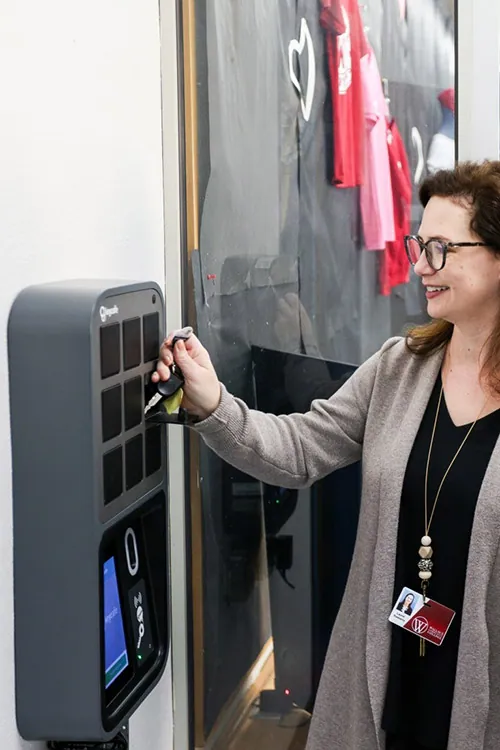
Keycafe gives educational institutions a centralized system for managing access to every key on campus. Fleet coordinators track vehicle keys across the transportation department. Facilities managers control access to buildings, mechanical rooms, and storage areas. Lab supervisors ensure only authorized staff and students access sensitive equipment. Every action is logged in real time, and administrators can pull reports at any time without chasing down sign-out sheets.
Easy for Staff, Simple for Administrators
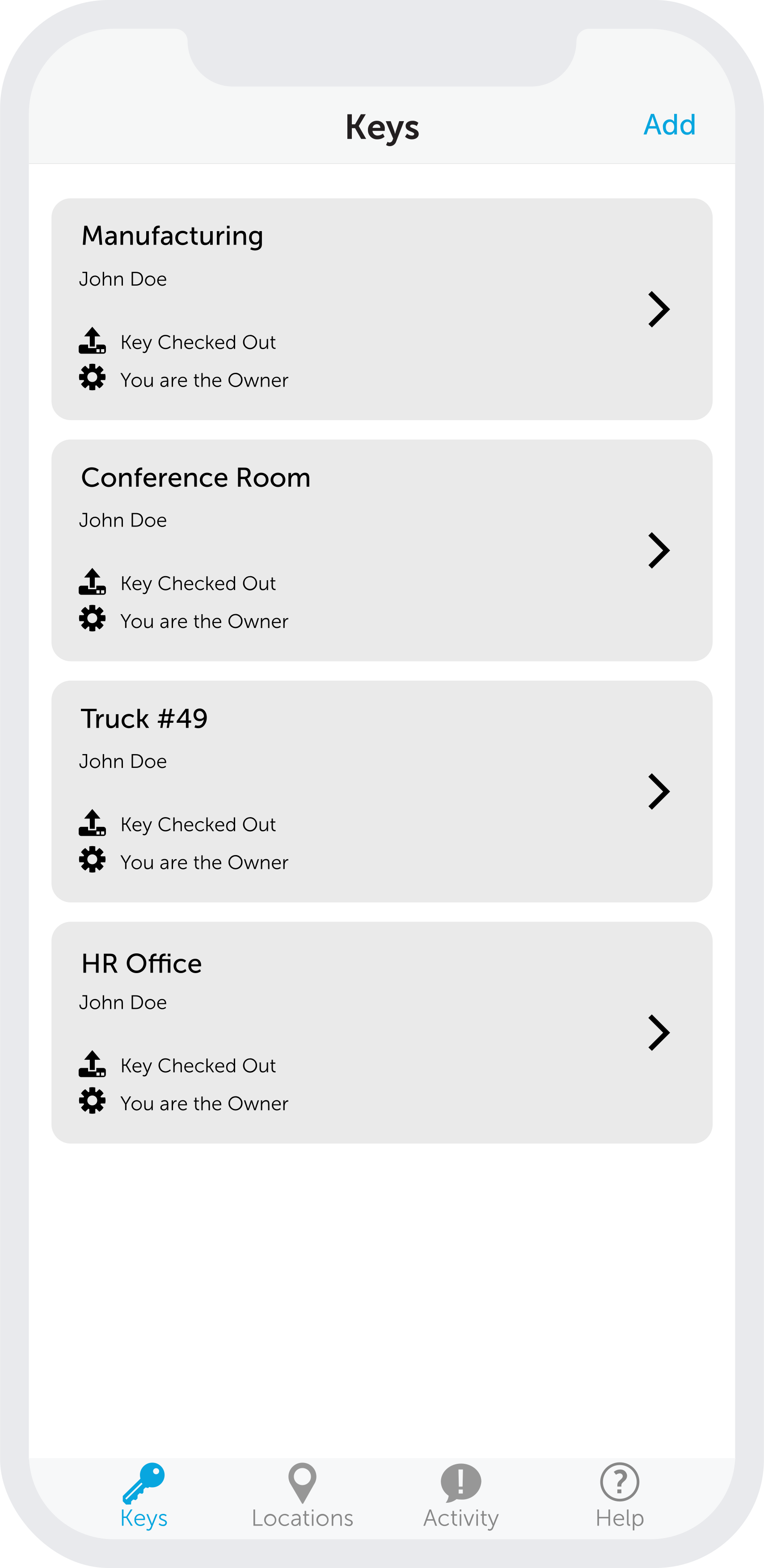
Keycafe is designed to be adopted quickly across large, diverse teams. Staff access keys with a PIN or the Keycafe app — no special training required. Administrators manage everything from a centralized dashboard. New staff are added to the system in minutes, and permissions can be updated instantly as roles change. For institutions managing multiple buildings or campuses, additional SmartBoxes are added to the same account. Book a demo to see how it works for your institution.
Trusted by Industry Leaders




Campus Key Management That Actually Works.
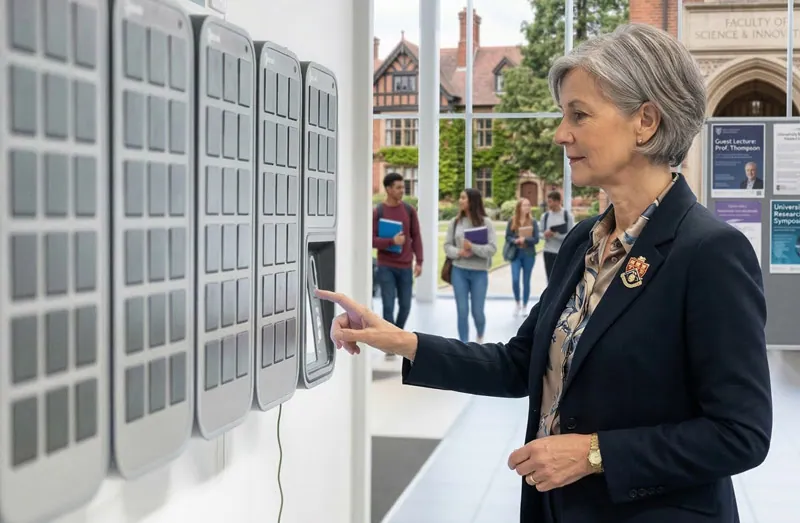
Schools and colleges manage a complex mix of keys — fleet vehicles, facilities, labs, storage rooms, and administrative offices — often with staff across multiple departments and buildings. Keycafe replaces manual sign-out sheets with an automated system that logs every access event in real time. Administrators see who has which key, and staff get what they need without waiting for a coordinator.
Improve Accountability Across Every Department
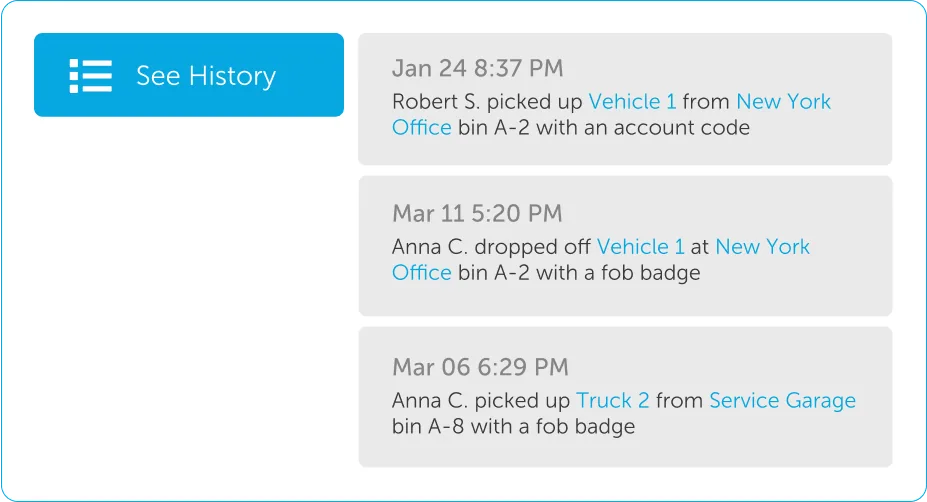
When a vehicle is misused or a facility is accessed outside approved hours, educational institutions need clear records. Keycafe provides them automatically. Every key transaction is logged with the user's identity, the time, and the key description. Department heads can pull reports instantly. IT, facilities, and transportation teams each see only the keys they're authorized to access, keeping sensitive areas appropriately restricted.
Department-Level Access Control
Restrict key access by role, department, or authorization level.
Campus-Wide Visibility
Monitor key activity across all buildings and departments in one place.
After-Hours Alerts
Get notified when keys are accessed outside of approved times.
Secure Key Storage
Locked bins keep keys to vehicles, labs, and facilities protected at all times.

Keycafe SmartBox Electronic Key Locker
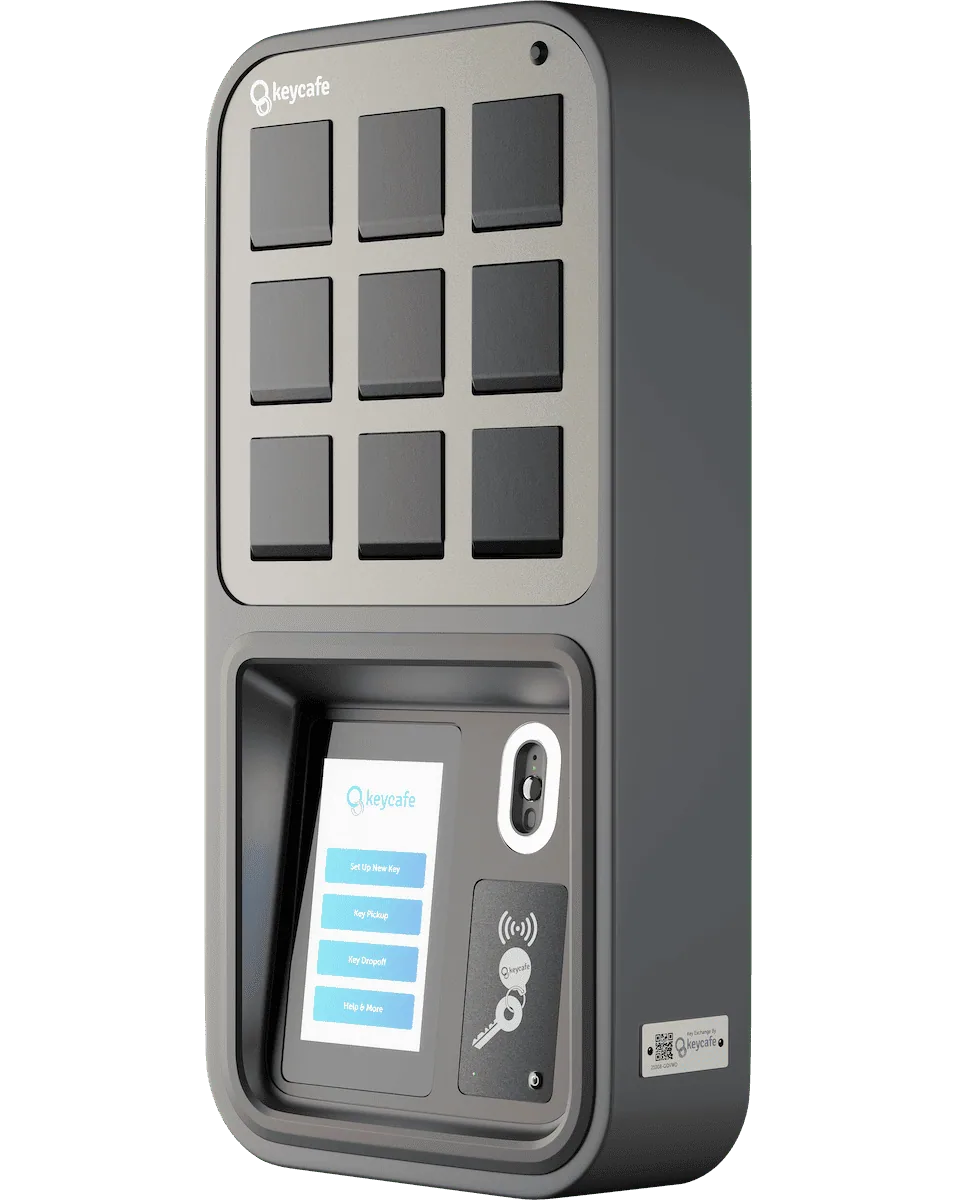
MS5 Base SmartBox 9 Bin
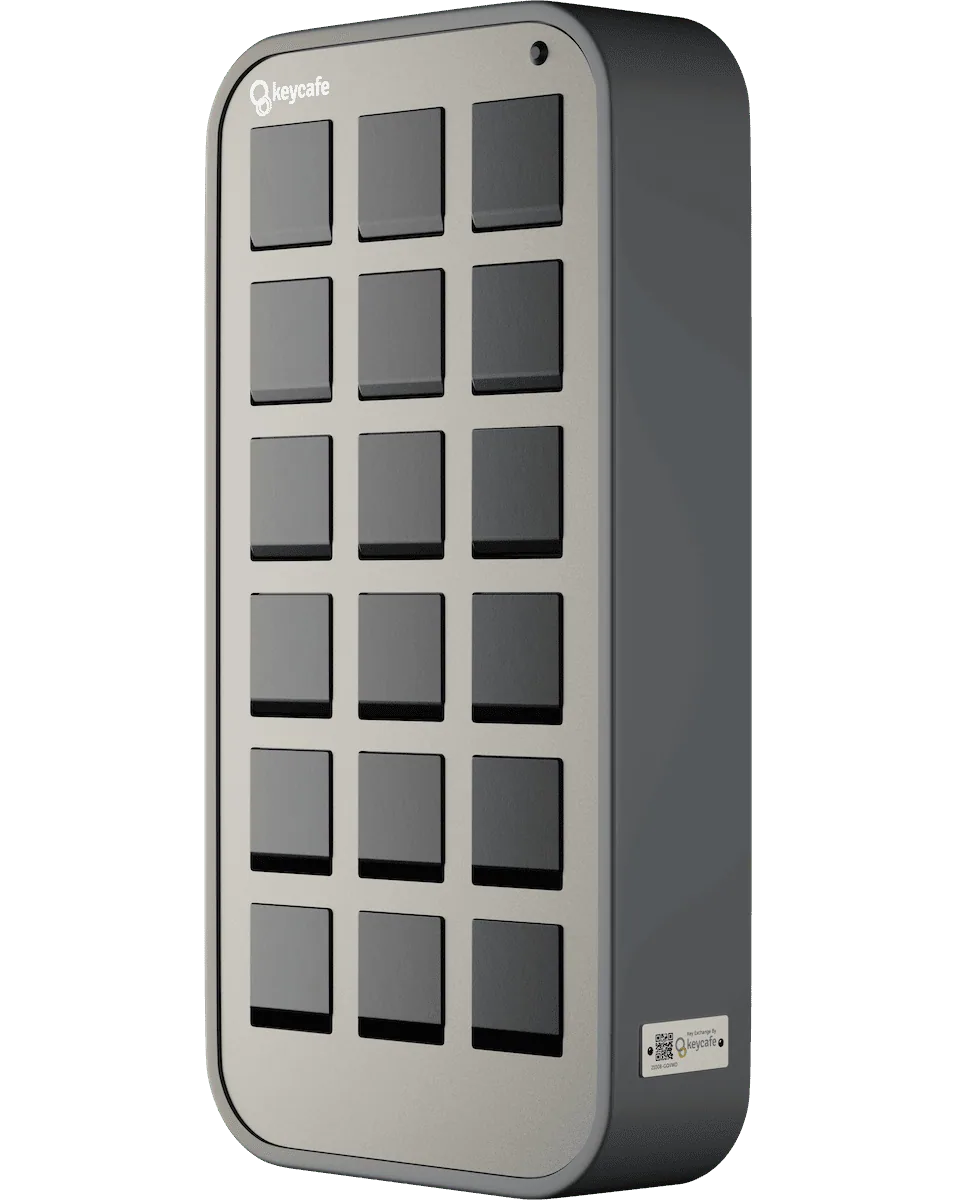
MS5E-18 Expansion SmartBox 18 Bin
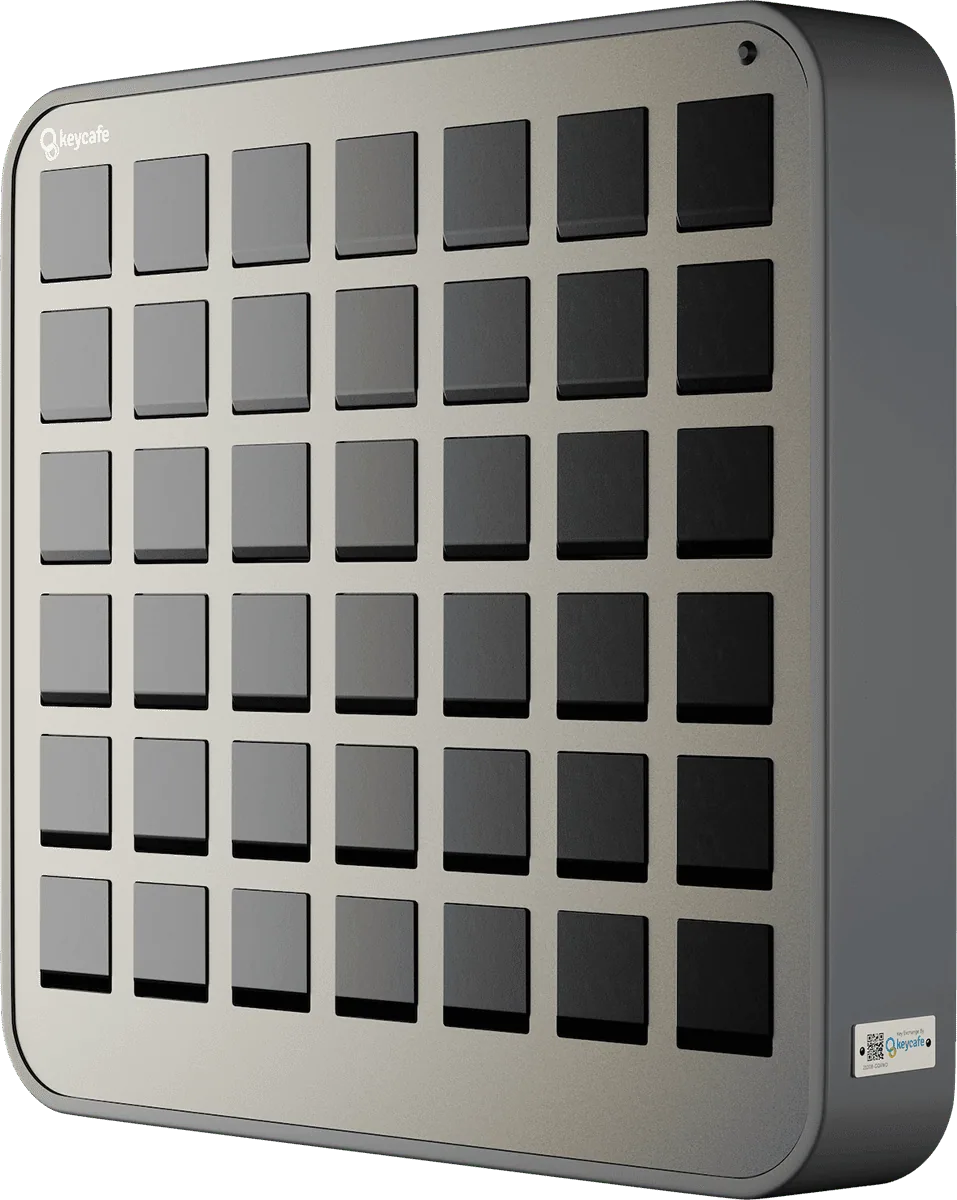
MS5E-42 Expansion SmartBox 42 Bin
Smart Features Built for Educational Institutions
Real-Time Key Tracking
See who has each key and when it was taken across your entire campus.
Role-Based Permissions
Control who can access which keys by department or role.
Programmable Alerts
Get notified when keys are overdue or accessed outside approved hours.
Multi-Building Management
Manage key access across all buildings and departments from one account.
Offline Access and Backup
Keep key access running even during network interruptions on campus.
Education Facilities Love Keycafe



Frequently Asked Questions (FAQs)
Yes. Keycafe manages any physical key — transportation fleet vehicles, facilities, labs, storage rooms, mechanical areas, and administrative offices — all within the same system. Different permission levels can be set per key type, so transportation staff access vehicle keys while facilities teams access building keys, without any overlap.
Each department can have its own set of keys and user permissions within the same Keycafe account. Administrators have full visibility across all departments, while department heads see only their own keys and users. This keeps sensitive access appropriately siloed while giving institution-wide oversight to those who need it.
Yes. Access permissions can be configured to allow key retrieval only during approved hours. If a staff member attempts to access a key outside their authorized window, the system denies access and logs the attempt. Administrators receive an alert so they can follow up as needed.
Temporary users can be added to the system with time-limited access that expires automatically at the end of their assignment. They can be restricted to specific keys and time windows, ensuring they can only access what's appropriate for their role. When their access expires, no manual revocation is required.
Every key transaction is logged with the user's name, the key description, and the exact time of pickup and return. These logs are stored in the Keycafe system and can be exported at any time. For compliance reporting, insurance claims, or internal investigations, the full history is always available.
Yes. Keycafe works for any educational institution that manages physical keys. K-12 schools use it for fleet vehicles, custodial access, and administrative key control. Colleges and universities use it across larger campus environments with multiple departments and buildings. The system scales to the size and complexity of the institution.
Key Management Built for Educational Institutions
Keycafe gives schools and colleges a secure, accountable system for managing access to vehicles, facilities, and equipment across every department on campus. Every key transaction is logged, every user is accountable, and administrators have the oversight they need — without paper sign-out sheets.