
Rental companies can serve late arrivals and early returns without night shifts by moving paperwork online, using electronic key boxes for key handoffs, and documenting vehicle condition with photos.
Flights land at midnight, and customers want to return cars at 5 a.m. Each of these is a rental your location wins or loses depending on whether someone is there to hand over a key. Staffing a counter around the clock rarely pays off for independent and mid-sized operators, but most counter tasks can be done ahead of time or by the customer.
Why After-Hours Availability Matters
After-hours pickup and return lets you accept bookings from late-night, early-morning, and delayed flights that would otherwise go to a competitor. Cars returned overnight can be cleaned and back on the lot before the morning rush, and spreading handoffs across the day means shorter lines at peak times.
What Usually Holds Operators Back
Three concerns come up most often:
Staffing cost. Extra evening and night shifts are hard to justify when only a few customers arrive late.
Security. Drop boxes and combination lockboxes keep no record of who took a key, and replacing a modern fob can cost hundreds or even thousands of dollars.
Process gaps. The counter also handles ID checks, payment, and vehicle inspections. Each one needs a plan when no one is there.
Move Booking, ID Checks, and Payment Online
Have customers upload their license, pay the rental and deposit, and e-sign the agreement before they arrive. Ask for a flight number or arrival time, and set a cutoff (5 p.m. on pickup day, for example) so daytime staff can approve the booking and prepare the car before they leave.
Offer Self-Service Key Pickup and Return
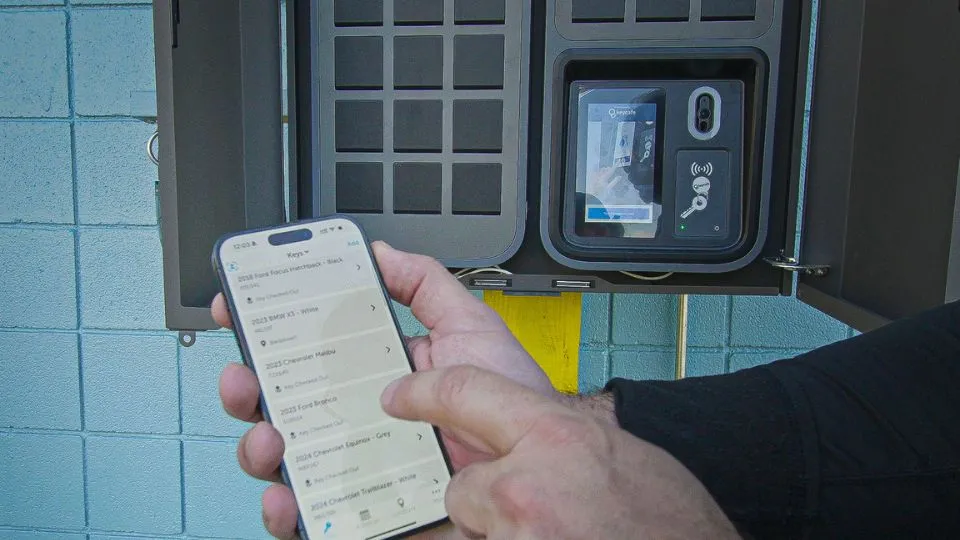
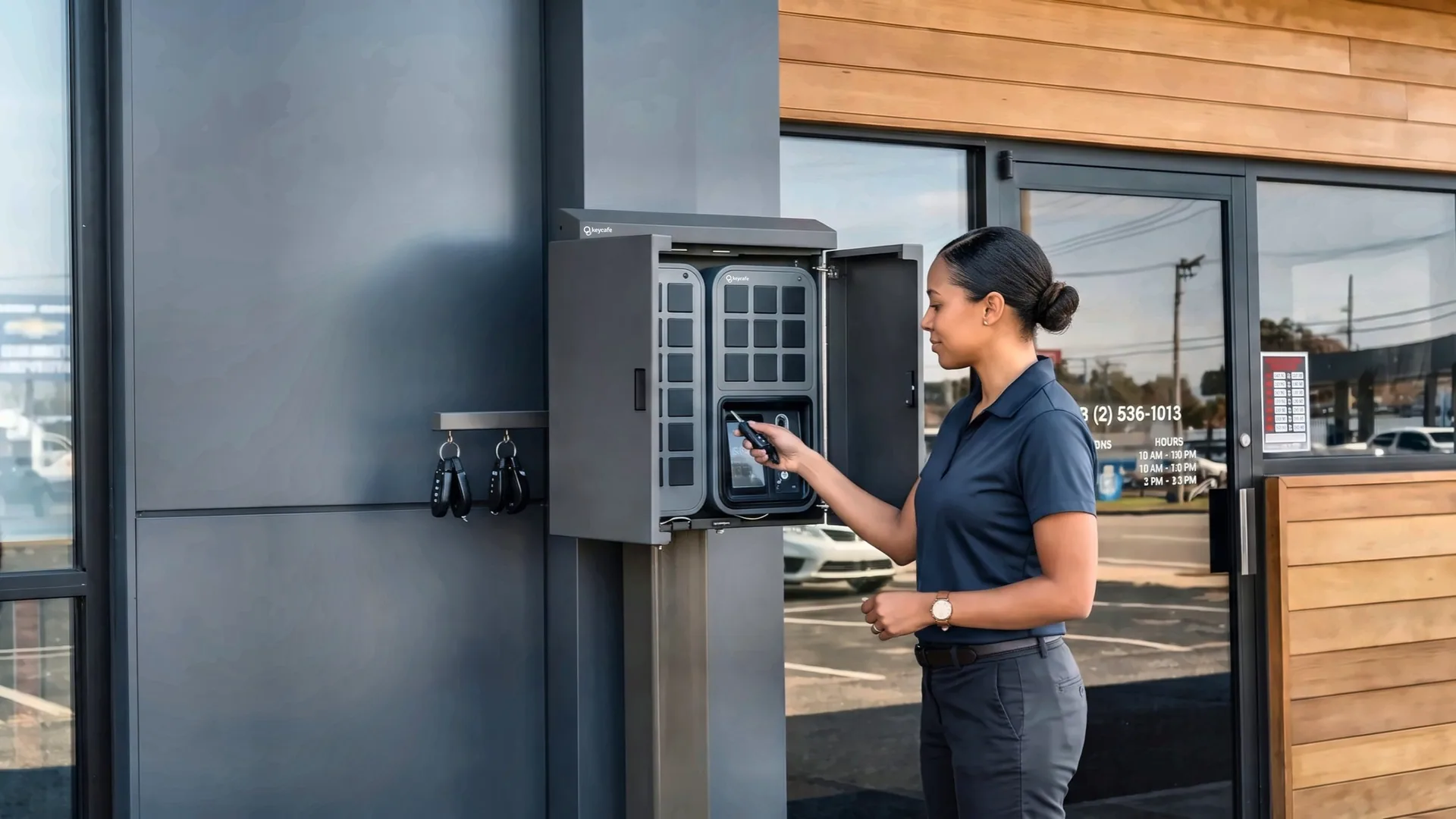
Mechanical lockboxes and drop slots rely on shared codes, keep no record of who opened them, and leave returned keys loose until morning. An electronic key management system stores each key in its own locked compartment, opened by a unique code or mobile app, and logs every pickup and return.
When comparing systems, look for:
One-time codes sent to customers automatically by SMS or email
Real-time logs and alerts when a key is late
Remote management from a phone or browser
Battery backup and offline codes for outages
Room to add expansions and locations as you grow
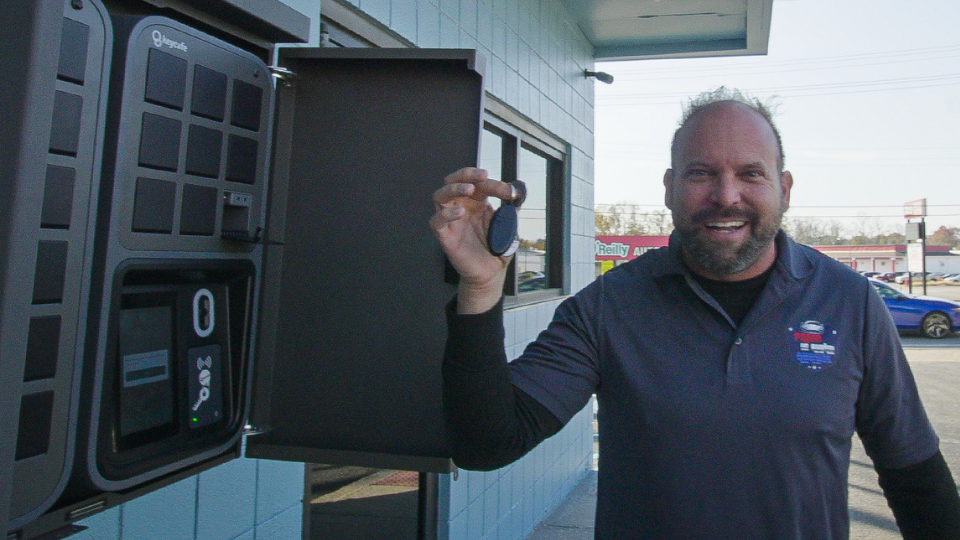
Keycafe is a good example of a system built for after-hours use. Staff load the prepared vehicle key into a SmartBox during the day, the customer gets a code for pickup, and returns are logged the moment the key goes back in, so the morning team knows which cars came in overnight. Cleaners and lot staff use their own codes too, instead of waiting at the front desk.
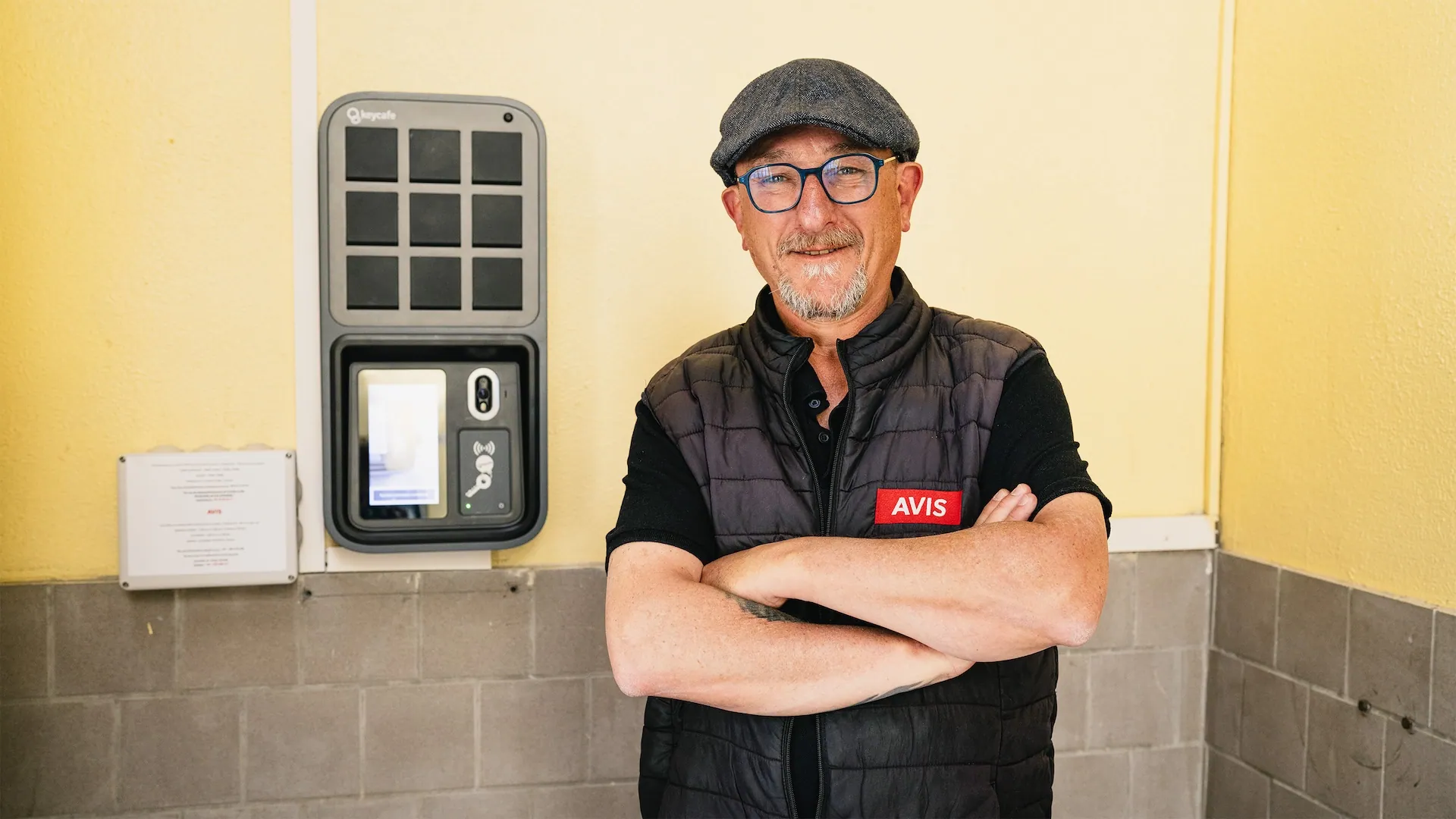
Rental companies are already running this way. Norwegian operator Vest Bilutleie uses Keycafe to offer 24/7 rentals and simplify its booking process. VAG nv in Belgium handles after-hours rentals and contactless pickups across 7 locations. Avis in France, where many customers arrive by train, increased its rental volume by giving customers access to vehicles outside opening hours.
Document Vehicle Condition With Photos
Without an in-person walk-around, time-stamped photos are your protection against damage disputes. Staff photograph each car, its fuel level, and mileage before pickup, and customers submit their own photos at pickup and again at return. Some operators release the key code only after the pickup photos are in.
Send Clear Instructions Automatically
Most after-hours calls come from confusion, not equipment problems. On pickup day, send the address, the key box location with a photo, the access code, plate number, parking spot, and a support number. Send a return reminder the evening before and a confirmation once the key is dropped off. Lit signs for the key box and return area help too.
Set Up Remote Support and Adjust Daily Routines
Put a camera and good lighting on the key box and return area, and assign one team member per night to answer calls from home. With remote access to bookings and the key system, they can resend a code or reassign a car without driving in.
Your existing team's day shifts only slightly. The closing shift prepares tonight's cars and loads their keys, and the opening shift inspects overnight returns and sends them to cleaning.
Bringing After-Hours Rentals to Your Location
You don't need to open around the clock on day one. Start with after-hours returns, which carry the least risk, and add pickups once online check-in, photo inspections, and your key system are running well. Track how many bookings come in outside business hours and how quickly returned cars get back on the lot, and let those numbers guide your next step.
Customers arriving after closing are already looking for a car. With the right setup, your current team can serve them without adding a single shift. If key exchange is what's holding you back, book a demo to see how Keycafe can support after-hours rentals at your locations.