
This update adds three improvements to help users manage shared keys with more confidence, get more useful alerts when locations experience issues, and give fleet managers better visibility into booking details. Here's what's new.
Warnings for Field Swaps to Unauthorized Users
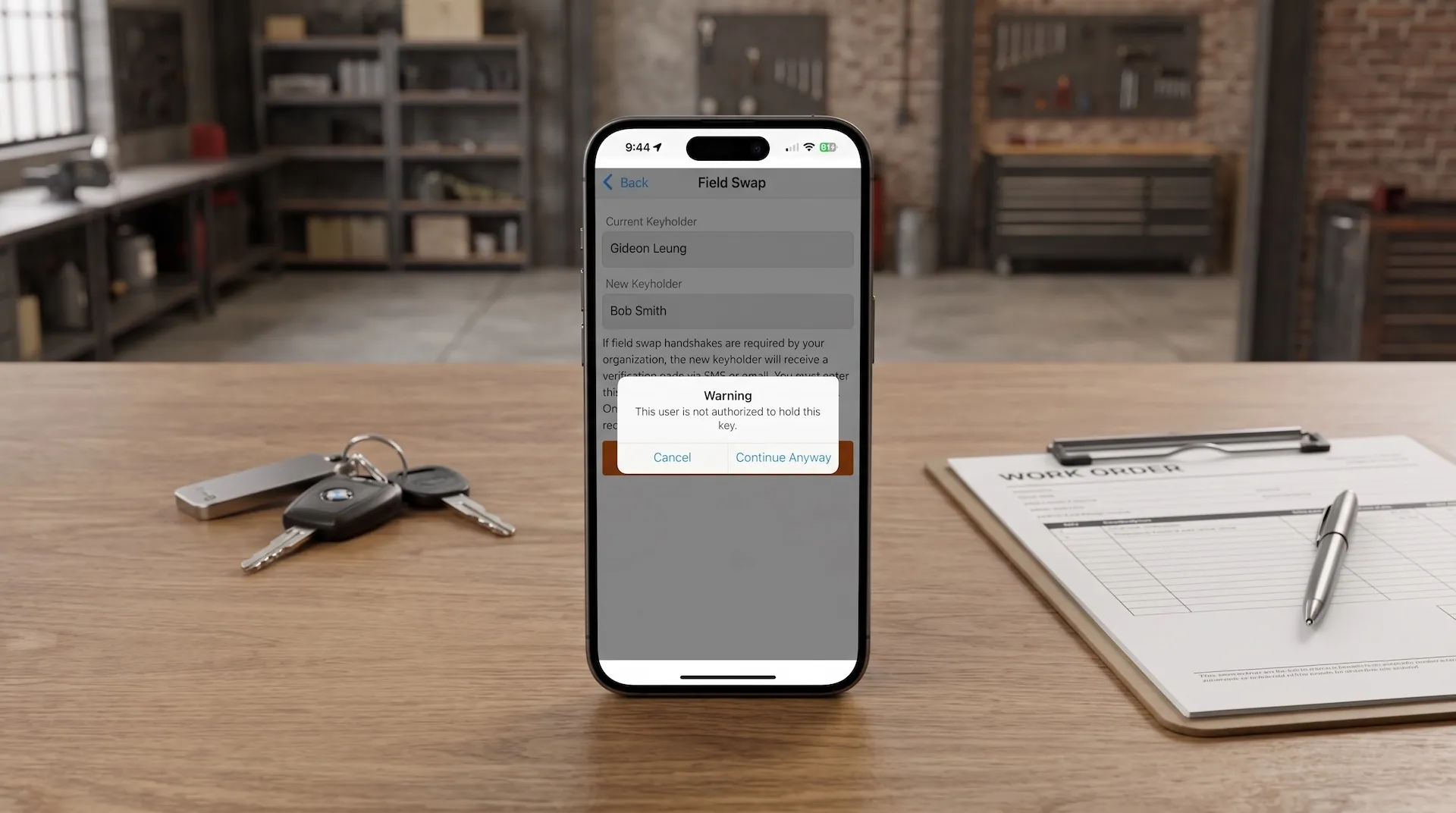
Field Swaps let users transfer a key to another user without returning it to the SmartBox first. It's a common tool for handoffs between staff or shift changes, but it also means a key can change hands without the system stopping to check who's receiving it.
Now, if a key is swapped to a user who isn't normally authorized for that key, or to a user who has already reached their Maximum Keys limit, a warning pop-up appears before the swap goes through.
This warning doesn't block the swap. The user performing the transfer can still choose to proceed if they decide it's the right call. The pop-up simply flags the issue so mistakes don't slip through unnoticed, especially in busy environments where swaps happen quickly.
This is useful for teams with strict access rules, like dealerships or facilities with designated key holders for specific vehicles or equipment. It adds a layer of visibility without slowing down day-to-day handoffs.
Learn more about Field Swaps.
New Location URL Variable for Location Status Alerts
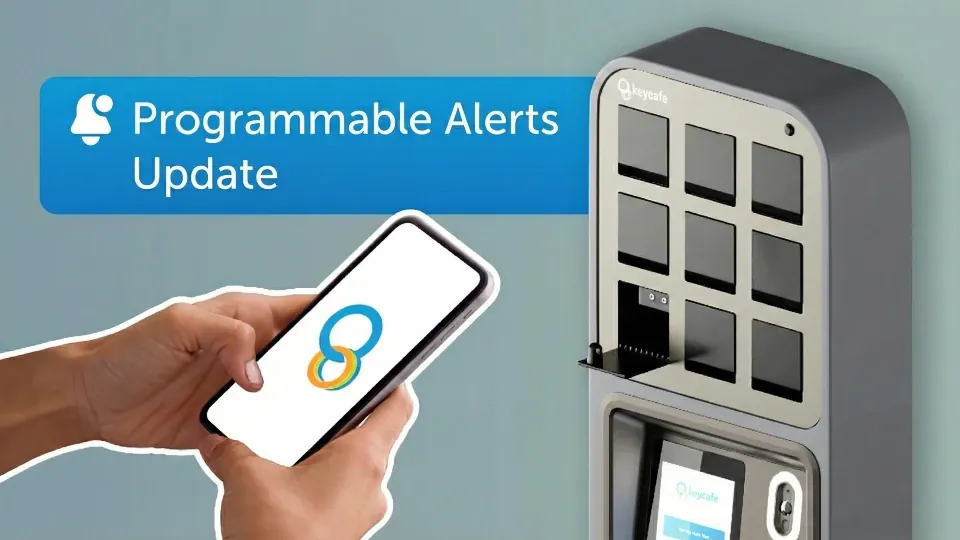
Location Status Alerts notify an organization's owner, admin, or location manager by SMS, email, or webhook when a location loses power or internet connection. These alerts help teams respond quickly before a disruption affects key access.
We've added a new variable, [LOCATION URL], that can be inserted into these custom alert messages. When used, it displays the name of the affected location as a clickable link that leads directly to that location's dashboard page.
Instead of receiving an alert and then searching for the affected location manually, the person receiving the notification can click straight through to check its status. This is a small change, but it cuts out an extra step when responding to a time-sensitive issue.
See our full guide to Programmable Alerts.
Live Key Access Timestamps for the Fleetio Integration
Keycafe's integration with Fleetio helps fleet managers connect key access with vehicle assignments, cutting down on manual tracking. This update adds three new optional custom fields to that integration:
Keycafe Booking Link
Keycafe Pickup Time
Keycafe Dropoff Time
Once set up, these fields appear in vehicle assignments in Fleetio, giving fleet managers a direct view of booking details without needing to switch over to the Keycafe dashboard.
Setup requires a one-time step: admins need to manually add these custom fields in their Fleetio account. After that, the fields populate automatically, keeping booking links, key pickup times, and key return times up to date without further action.
See details for the Fleetio integration.