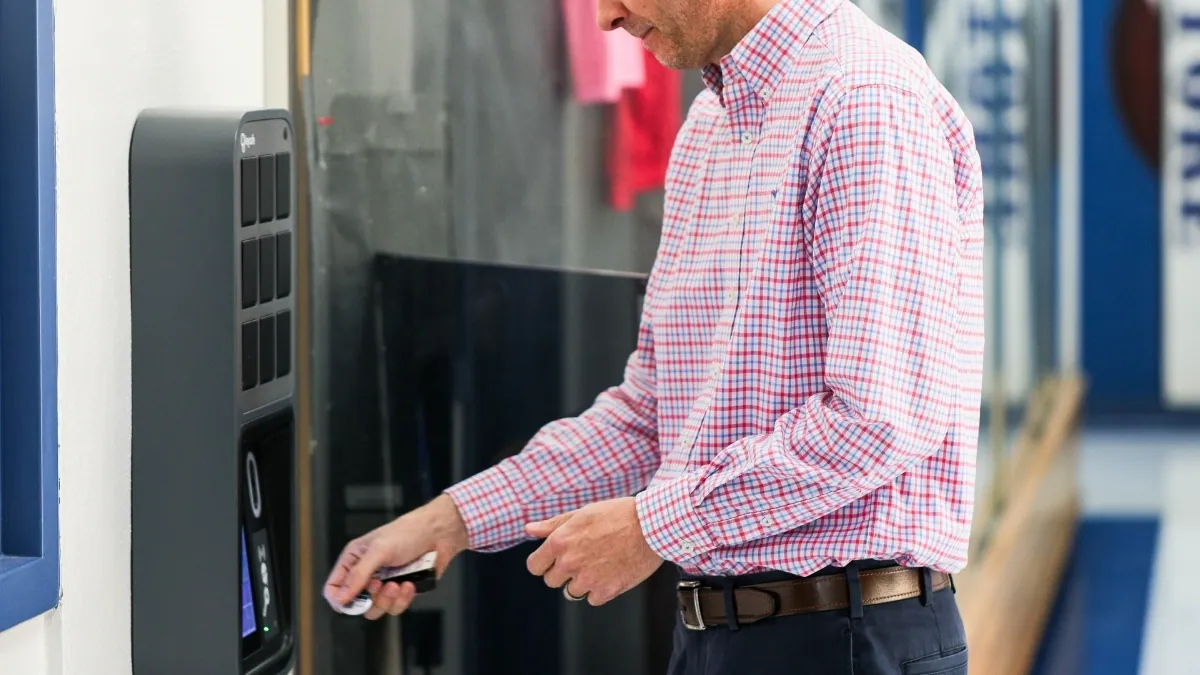
A trades business that runs on keys
A plumbing and drain company lives and dies by how fast its crews get out the door. Every service truck, every drain rig and every piece of installation equipment needs a key. When a crew is answering emergency calls 24/7, a key that can't be found means a delayed job.
Birnie Plumbing & Drains has offered fast, reliable plumbing and drain services across Southern Ontario for more than a century. Today the company has 25 employees and runs service trucks plus separate installation and drain crews, with more than 70 keys to manage.
Owner Rob Birnie has worked at the company for 29 years. He knows the problem the way most trades business owners do:
"Like every trades business owner that has lots of vehicles and equipment: where are my keys? Where are they? We just wanted better control. Know where they were, give people access to what they needed, and know who has them."
Before Keycafe: a pegboard and a logbook
Birnie’s old system consisted of keys hanging on a pegboard on the wall, with the company bookkeeper recording in a logbook who had taken each key.
That worked until a key left the building.
The logbook also had gaps. If the bookkeeper was off that day, or a technician came in after she'd gone home, nobody wrote their name down. Keys got copied with no record kept, so nobody knew how many copies were out there.
"We never knew where the keys were. There was no accountability to the process. It was a key hell."
Technicians often took keys home too. If a technician called in sick the next morning, a whole crew could be stuck at the shop with the key sitting at someone's house half an hour away.
A more efficient way to manage keys
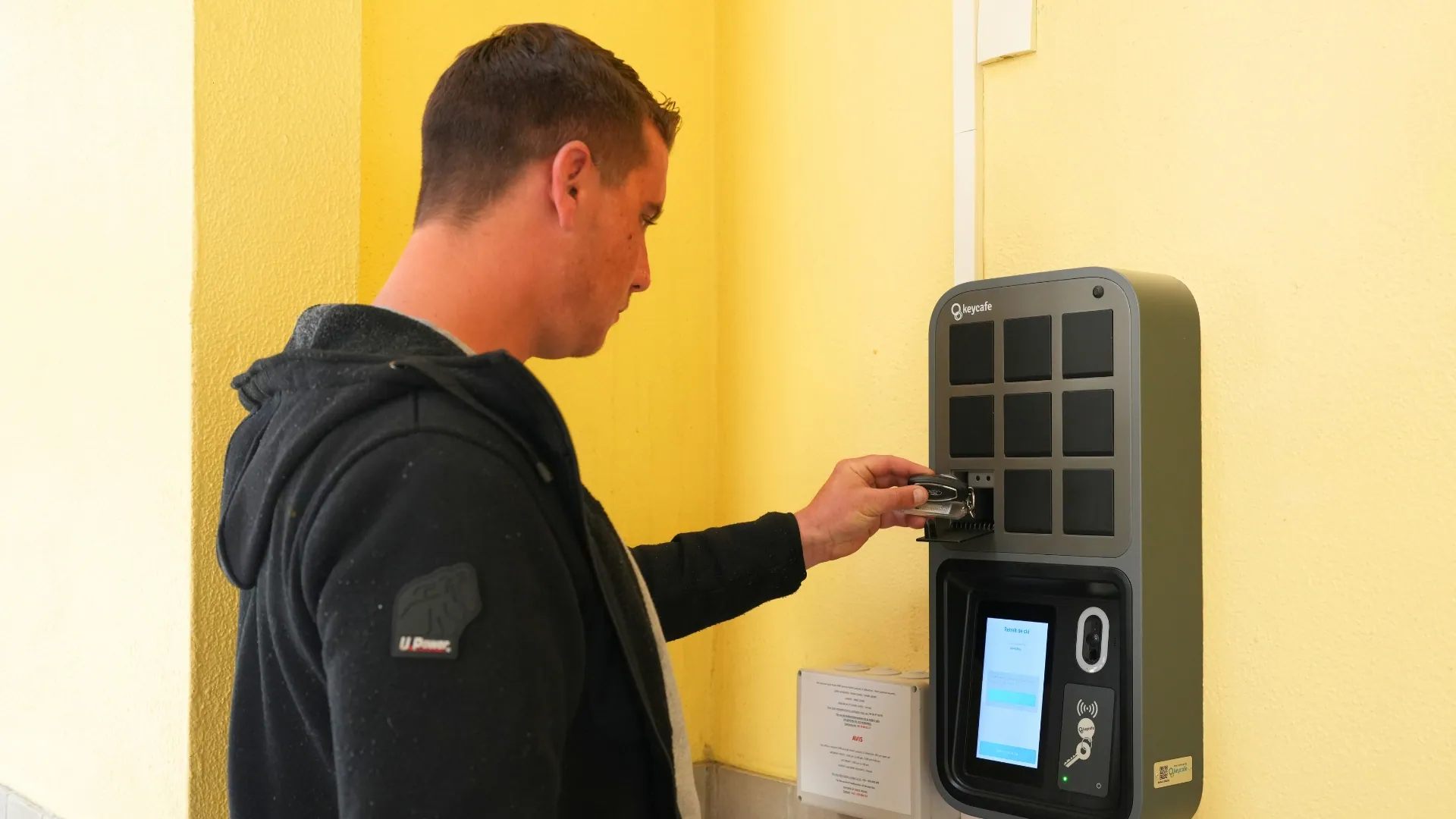
Rob looked at several key management systems before he chose Keycafe. Many of them cost too much or needed a lot of networking and setup work.
Birnie now has three Keycafe smartboxes mounted on the wall at the shop's main hub.
"They just snap together real fast, and I'm up and operational."
How the daily workflow runs
Each department uses vehicles and equipment differently. Service plumbers usually drive their own truck every day. Installation and drain crews move between trucks and specialized equipment depending on the job. Because Rob sorts keys into groups and assigns a group to each employee, each person only has access to the keys they need and nothing else.
With Keycafe, the daily flow is simple:
Morning pickup: Technicians open the Keycafe app on their phone and pick up the keys they have permission to use.
Out to the job: The crew heads to the right truck or piece of equipment and takes the key along.
End-of-day drop-off: Keys go back into the SmartBox, and the management team gets an alert when each one comes back.
A backup key for everything
Rob also uses Keycafe to keep a backup plan in place. For every key the company uses, a second copy goes into the SmartBox for the management team only. That's how the inventory grew past 70 keys. Every truck has at least two keys stored in Keycafe.
"Nobody else has access to those. So if a key gets lost or left somewhere, it's like, 'Hey, I've got a second key.' We're no longer waiting."
Results: less waiting, more accountability
A record of who holds every key
Every pickup and return is tied to a named user, so Rob no longer has to rebuild a key's history from a notebook. This helps most when someone leaves the company.
"When people leave your company, you can go in, click the user and see all the keys that have been assigned to them. There's flexibility, but there's an accountability to it as well."
Less downtime for crews
Keycafe helps crews avoid delays when keys are missing or difficult to track down. As Rob explains:
"If you factor in what you're paying your management team per hour, and they're spending an hour looking for a key, that is a massive amount. And you've got another technician just waiting for that key to be found. He's not doing anything. That adds up over time."
Now, if a key does go missing, the team can get a backup key to the technician who needs it right away and track down the missing one afterward. The crew keeps working in the meantime.
Field swaps and one-time access
Rob particularly values the Field Swap feature, which enables keys to be transferred directly between technicians in the field, eliminating the need to return them to the shop.
"When we first started, the key had to come back to the shop. That's been solved. You can literally field swap on your phone, and it does it."
When a technician needs a truck outside his usual group, for example one just back from repairs, Rob can give him one-time access. The technician then gets an automatic reminder to return the key.
Alerts that keep key returns on track
Picking keys up was never the problem. Getting them back every night took more work.
"The hardest challenge was getting them used to dropping the key off at the end of the day. But because it was on the phone, it was kind of easy. We just do a gentle reminder."
Drop-off alerts let the management team see right away which keys hadn't come back. That made the new rule easy to enforce.
"Once it becomes a habit, there's no problem."
Control without complex setup
Rob says Keycafe gave him the control he wanted without big setup costs or a long rollout.
"It has given me some form of control over my keys where it hasn't cost me hours and hours or tons and tons of dollars. If you're looking for something that's not crazy, this has got a really good set of controls for the price point."
A solution that continues to evolve
Birnie has used several versions of Keycafe over the years, with each iteration bringing new features and improvements to the way the team manages its keys. For Rob, that ongoing development has been an important part of the product’s value, particularly as new features have addressed challenges the team previously had to work around.
"Keycafe has been consistently making their product better, and I love that."
For trades contractors managing a high volume of keys, Rob sees Keycafe as a practical solution for keeping key access organized and efficient:
"If you've got a good volume of keys, this is the best way to manage them for the right price point."
Key takeaways for trades and field service businesses
Drop the pegboard and logbook. A record that ends when a key leaves the building isn't really a record.
Group access by role. Give each technician the keys their division needs and nothing more.
Keep a management-only backup set. A second key for every vehicle and piece of equipment keeps a lost key from stranding a crew.
Use your phone for handoffs. Field swaps and one-time access save trips back to the shop.
Enforce returns with alerts. Drop-off notifications turn "please bring the keys back" into a daily habit.
Check offboarding in seconds. When someone leaves, you can see every key assigned to them right away.
👉 See how Keycafe can help your trades business keep every truck and tool key accounted for.