
The average dealership hands keys to people who don't work there dozens of times a week. Detailers, wash vendors, transporters, mobile techs, sublet body shops, and auction runners are constantly moving vehicles around the lot. Yet many of these key handoffs aren't logged.
Dealerships put a lot of effort into tracking their own staff. You probably know which salesperson took a car for a test drive or which service advisor has a customer's vehicle. That visibility often disappears when a third-party vendor needs a key.
The keys get handed over, left somewhere, or accessed through a shared code, and there may be no record of who took them.
That's where vendor access becomes a key control problem.
Where Vendor Key Access Gets Difficult
The challenge with vendor access is that every vendor uses your keys differently. A wash crew may need a large number of keys for a few hours. A PDR technician may only need one vehicle. A transporter may need several vehicles ready at the same time, sometimes before or after regular business hours.
That means giving every vendor the same level of access doesn't make much sense. The process should reflect what each vendor is actually there to do.
Vendor Type | What They Need | Where the Risk Comes In |
Detail & Wash Crews | Access to multiple vehicles during a shift | Keys move quickly and can be misplaced, mixed up, or left in vehicles. |
Transporters | Fast access to vehicles, often outside regular hours | Drivers may arrive when no one is available to hand over the keys. |
Mobile Techs & Sublet | Access to specific vehicles | Giving them broad access to the key cabinet exposes keys they don't need. |
Auction & Wholesale | Multiple keys for vehicles leaving the lot | Without a recorded handoff, it can be difficult to know which driver took which keys. |
Why Traditional Workarounds Fail
Many dealerships still use key logs, pegboards, and lockboxes to manage vehicle keys. These systems can work, but they depend on employees being available and following the process every time. That's not always realistic when vehicles are constantly moving between sales, service, recon, and outside vendors.
When the normal process slows things down, employees find another way. A salesperson might leave a spare key under the floor mat for a dent repair technician. A service manager might leave the key board unlocked after hours because a transporter is coming. A manager might send a vendor a lockbox code that gets shared and reused long after it was originally given out.
Once keys start moving outside the normal process, tracking them becomes much harder. If one goes missing, the dealership may be left checking text messages, asking employees, or trying to remember who last had it.
A better system should let vendors get the keys they need without creating a separate process every time.
What Smart Key Management Looks Like for Vendor Access

Smart key management should make vendor access easier to control without making it harder to manage. Instead of relying on shared codes, physical key handoffs, or informal processes, dealerships can give vendors the access they need while automatically tracking who accessed each key, when, and for how long.
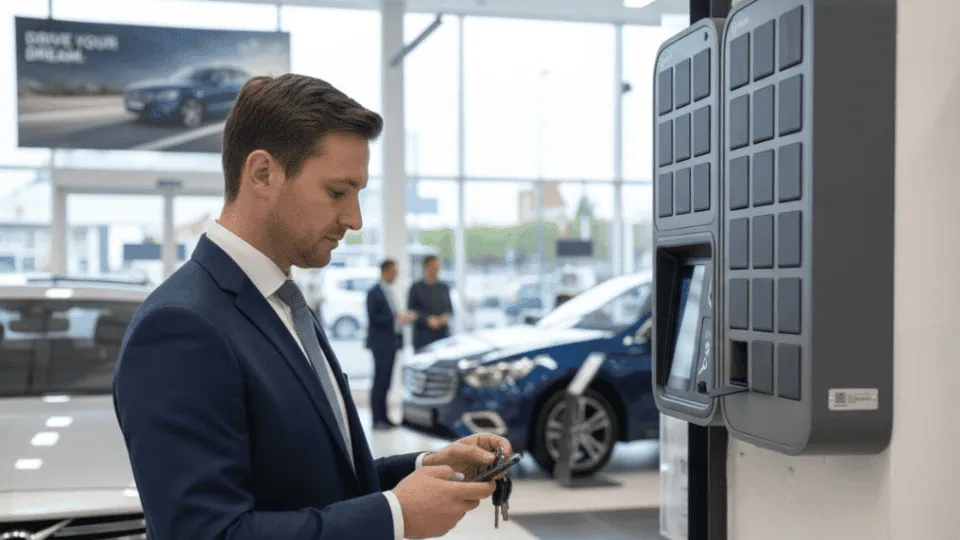
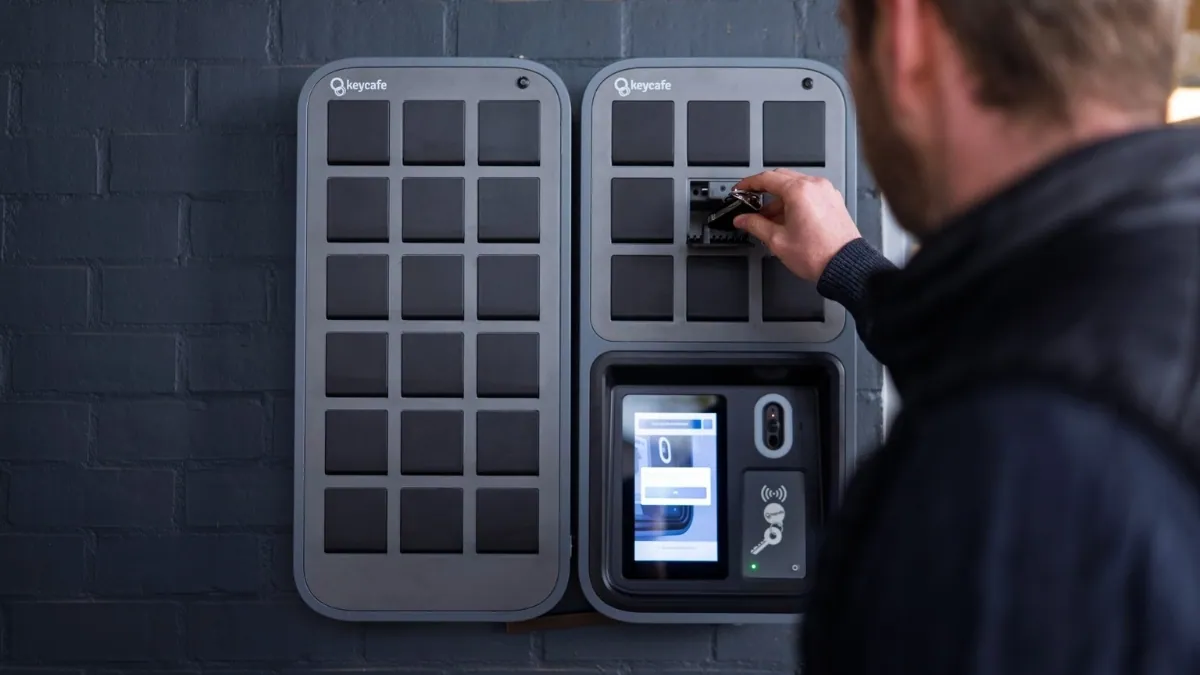
This is where a system like Keycafe can fit into the dealership workflow. Keycafe's electronic key management system combines a physical SmartBox with cloud-based access controls, allowing dealerships to track key activity, manage permissions, and see who has a key in real time.
Individual Credentials
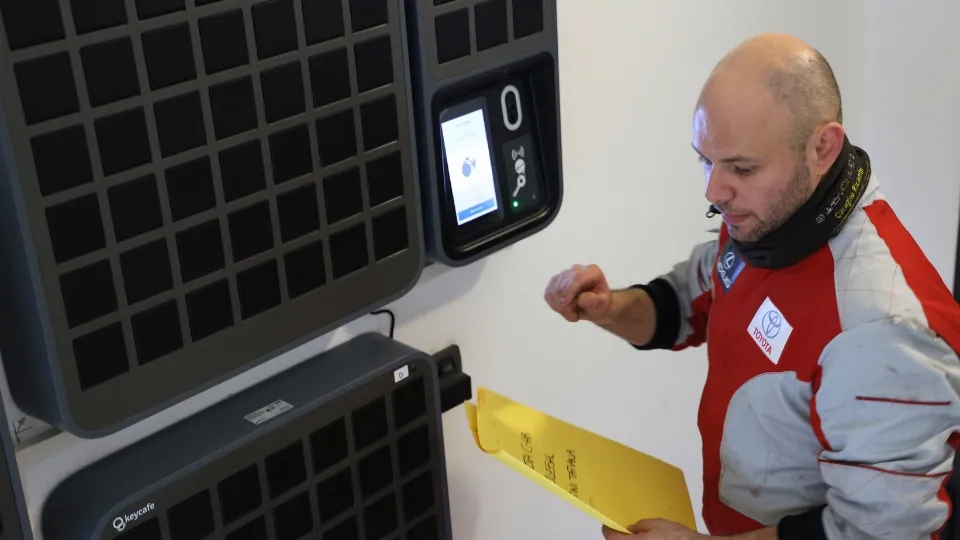
Good vendor access starts with identifying the specific user. With Keycafe, vendors can use a unique PIN or mobile access to retrieve an authorized key. Each transaction is recorded, giving the dealership visibility into who accessed a key and when.
Time-Bound and Vehicle-Specific Permissions
Vendors do not need access to every key in the dealership. Permissions can be set based on the keys and times relevant to their work.
Time-based access can limit when a vendor is able to retrieve keys.
If a wash crew works from 8 AM to 4 PM, their access can be limited to that window.
Keys are stored in individual locked compartments, helping prevent unauthorized access or accidentally taking the wrong key.
Programmable Alerts
Keeping vendors accountable is easier when the system can help track overdue keys. Keycafe can send automated SMS or email notifications when keys need to be returned, reducing the need for manual follow-ups.
Self-Serve Pickup
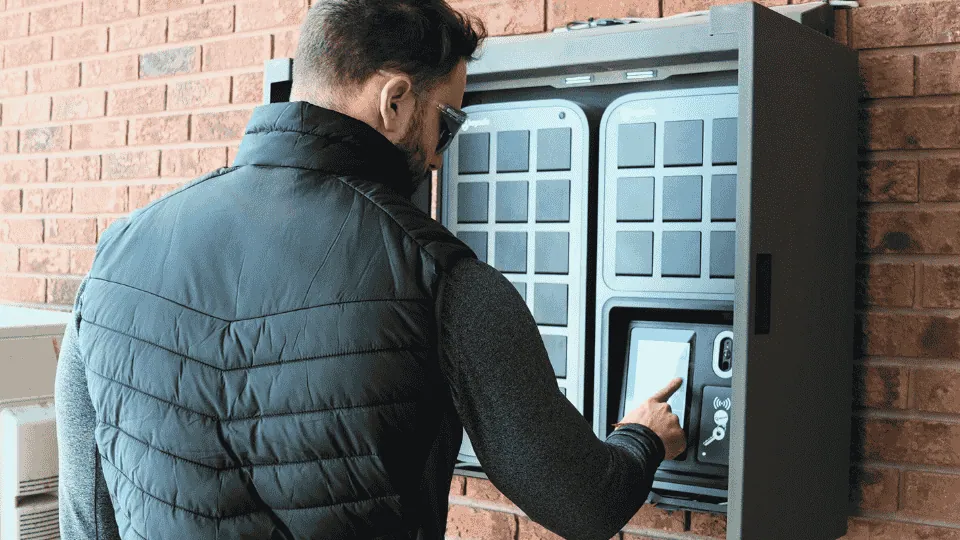
Self-serve pickup allows authorized vendors to retrieve keys without waiting for dealership staff. With Keycafe, a vendor can receive a secure access code and retrieve the assigned key from a SmartBox, making after-hours pickups possible without keeping the sales desk open.
Direct Digital Handoffs
Sometimes a key needs to move directly from one person to another. Keycafe supports direct key handoffs, allowing an authorized user to transfer custody to another person without first returning the key to the SmartBox. The handoff remains part of the key's activity history, helping the dealership maintain visibility throughout the process.
The goal is not to add another layer of work for the dealership. Smart key management should replace manual steps, shared codes, and constant follow-ups with a process that is easier to control, track, and manage.
Rolling Out Better Access Control
Changing how vendors access keys might cause friction if handled poorly. The goal is to roll this system out without slowing your partners down.
A smart key management system is designed for simplicity and ease of use, ensuring your team can get up and running in minutes. You can generate unique access codes for your long-time partners quickly. When a vendor contract ends, managers can easily revoke permissions right from their phone. Remote access allows managers to grant and revoke key access from anywhere, at any time. A cloud-based system gives you complete control over your inventory, even after hours.
Keep Vendors Moving Without Losing Key Control
Third-party vendors are part of the daily workflow at most dealerships, so key access should work as efficiently as the rest of the operation. When vendors can access the right keys without waiting on staff, vehicles keep moving and employees spend less time managing routine handoffs.
Smart key management gives dealerships a clearer way to handle that access. Instead of relying on shared codes, hidden keys, or verbal handoffs, managers can control permissions, track activity, and see who has a key when it matters.
For dealerships looking to improve how they manage vendor access, an electronic key management system like Keycafe can bring these processes into a more secure, trackable workflow.
Learn more about Keycafe’s key management system for dealerships to see how it can help simplify key access, improve accountability, and keep vehicles moving.