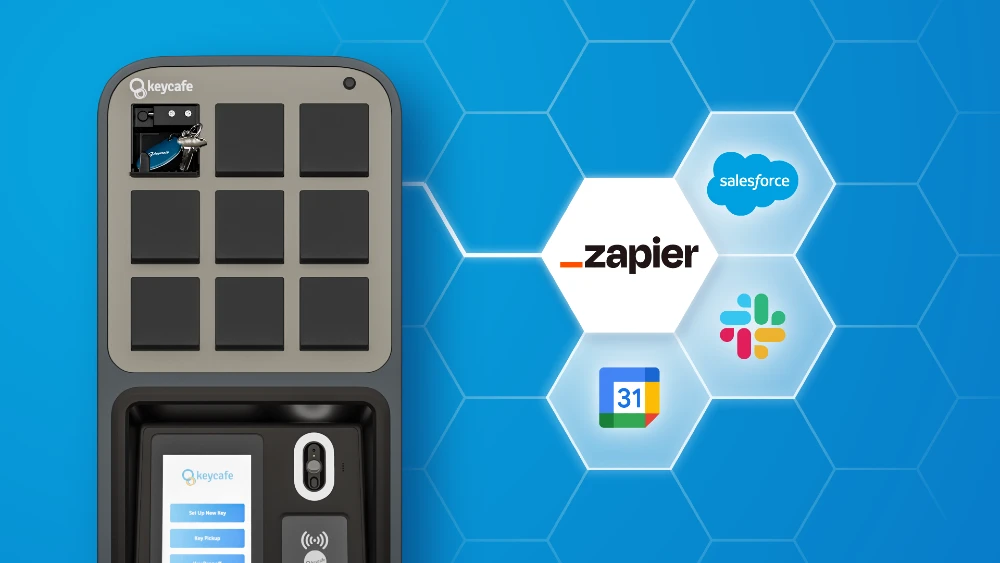

Džiaugiamės galėdami pranešti apie mūsų naują integraciją su Zapier, kuri suteikia vartotojams galimybę automatizuoti raktų prieigą ir kurti pasirinktinius darbo procesus kaip niekada anksčiau. Tai palengvina jūsų raktų valdymo sistemos prijungimą prie likusios jūsų technologijų infrastruktūros. Nesvarbu, ar naudojate tokias priemones kaip Slack, Google Sheets, Salesforce, nekilnojamojo turto valdymo programinę įrangą, ar bet kurią iš galimų daugiau nei 7000 programėlių, Zapier leidžia kurti savo darbo procesus be programavimo.
Ką daro integracija?
Su Zapier integracija galite automatizuoti pasikartojančias užduotis, nustatydami paleidiklius ir veiksmus tarp jau naudojamos programinės įrangos ir Keycafe. Šiuo metu Keycafe turi kelias parinktis, skirtas veiksmo įvykiui:
Sukurti prieigą prie rakto
Redaguoti prieigą prie rakto
Ištrinti prieigą prie rakto
Sukurti raktą
Gauti raktą
Gauti visus raktus
Jei norėtumėte, kad būtų pridėtas koks nors paleidiklis ar veiksmo įvykis, galite mums parašyti el. laišką adresu support@keycafe.com.
Darbo procesų pavyzdžiai
Štai kelios idėjos, kurios padės jums pradėti:
Atostogų nuomos valdymas: Kai jūsų atostogų nuomos programinėje įrangoje sukuriama nauja rezervacija, atitinkama rezervacija automatiškai sukuriama Keycafe. Jei ši rezervacija atnaujinama arba atšaukiama, pakeitimai automatiškai atsispindi Keycafe, užtikrinant realaus laiko tikslumą svečių prieigos valdyme.
Google Sheets integracija: Norite centralizuotai saugoti savo raktų įrašus? Kai į Google Sheet pridedama nauja eilutė (galbūt naujiems objektams ar naujiems raktų rinkiniams), Keycafe gali automatiškai sukurti raktą, išlaikant jūsų skaitmeninius ir fizinius raktų inventorinius sąrašus puikiai sinchronizuotus.
Svečių registracija (kanalų valdiklis arba kalendorius): Kai jūsų kanalų valdiklyje patvirtinama nauja rezervacija arba į jūsų Google Calendar pridedamas naujas įvykis dėl svečio registracijos, Zapier gali automatiškai paleisti Keycafe veiksmą "Sukurti prieigą prie rakto" svečiui, išsiunčiant jam unikalų prieigos kodą.
Turto apžiūros (CRM arba planavimo įrankis): Jei naudojate CRM, pvz., Salesforce, arba specialų planavimo įrankį turto apžiūroms, naujas susitikimas, sukurtas toje sistemoje, galėtų automatiškai "Sukurti prieigą prie rakto" Keycafe nekilnojamojo turto agentui arba potencialiam pirkėjui.
Paslaugų susitikimai (paslaugų valdymo programinė įranga): Techninės priežiūros ar valymo paslaugoms, naujas paslaugos susitikimas, suplanuotas jūsų valdymo programinėje įrangoje, gali automatiškai "Sukurti prieigą prie rakto" paslaugų teikėjui, užtikrinant, kad jie turėtų prieigą, kai jos reikia.
Pradėkite kurti Zapus!
Pasirengę kurti pasirinktinius darbo procesus ir automatizuoti pasikartojančias užduotis? Sužinokite, kaip tai veikia žingsnis po žingsnio ir pradėkite kurti savo Zapus jau šiandien.