
Pasimetę automobilių parko raktai gali atrodyti kaip nedidelis nepatogumas, tačiau finansinė realybė rodo ką kitą. Pakeisti vos vieną pamestą automobilio raktą paprastai kainuoja nuo 500 iki 1500 USD, neįskaitant prastovų vairuotojams ir turtui, kai rakto trūksta. Padauginkite tai iš dešimčių ar šimtų transporto priemonių parko ir rizika tampa didelė.
Automobilių parkų valdytojams, kurie jau naudoja arba aktyviai vertina elektroninę raktų valdymo sistemą, 2026 metai yra idealus metas sugriežtinti protokolus ir gauti maksimalią naudą iš savo investicijų. Nesvarbu, ar valdote vietinių pristatymų parką, ar kelių vietų transporto operaciją, tolesnės dešimt geriausių praktikų padės jums sumažinti riziką, pagerinti atskaitomybę ir užtikrinti transporto priemonių judėjimą.
1. Centralizuokite raktų saugojimą išmanioje, saugioje vietoje
Bet kokios veiksmingos automobilių parko raktų valdymo strategijos pagrindas yra tikslus žinojimas, kur yra kiekvienas raktas visą laiką. Centralizuota, su debesimi sujungta raktų spintelė pašalina spėliojimus ir panaikina priklausomybę nuo rankinių išdavimo lapų ar lentelių.
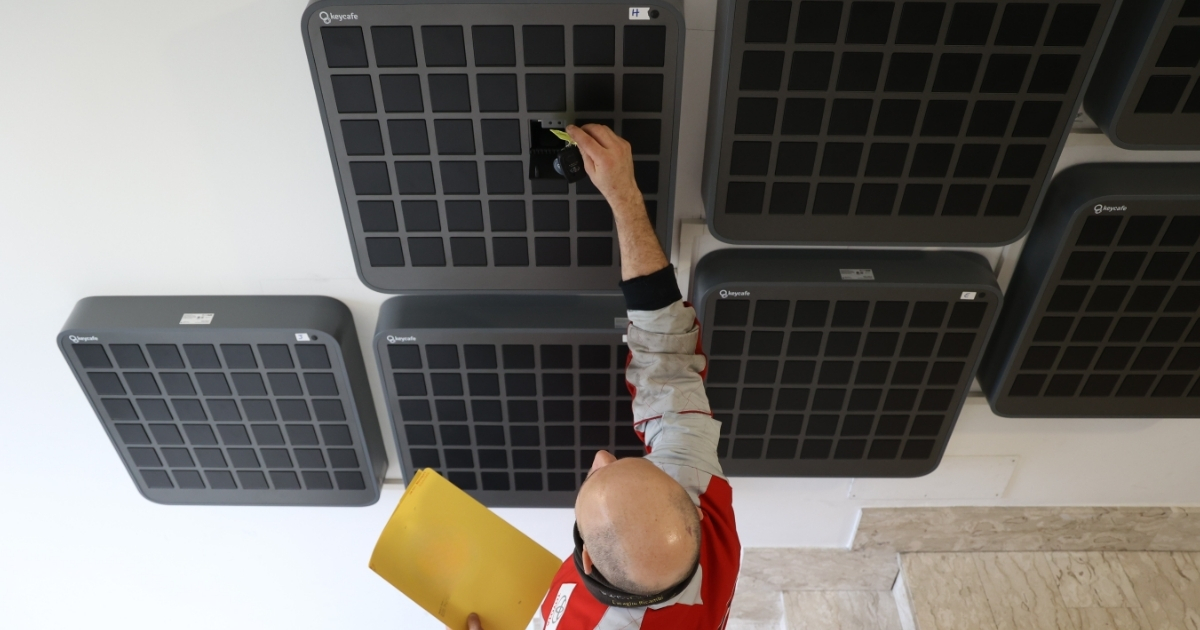
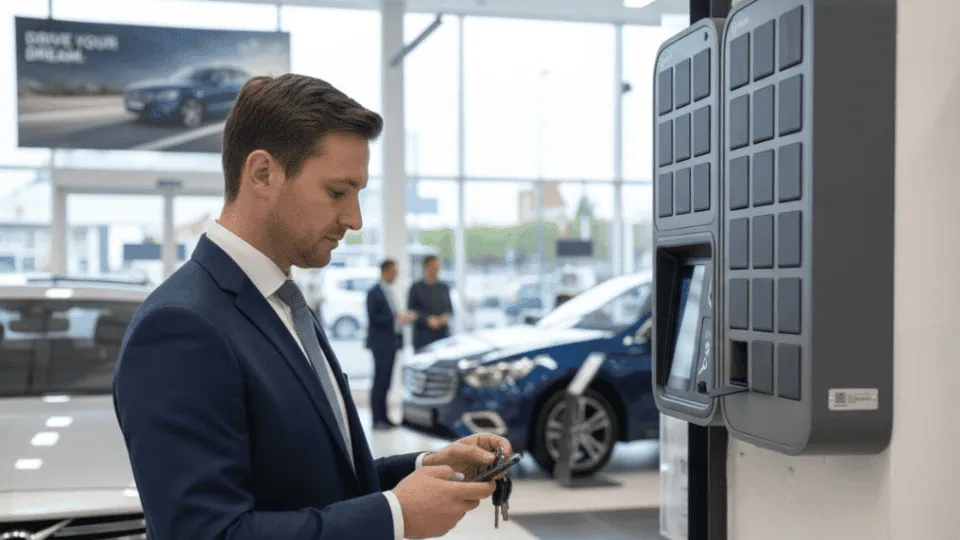
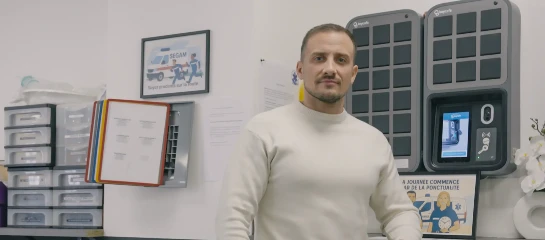
Keycafe su IoT sujungtos SmartBoxes leidžia vairuotojams ir personalui saugiai pasiimti raktus bet kuriuo metu be vadovo priežiūros, naudojant vieną PIN kodą, kad būtų galima pasiekti raktus, nereikia atnaujinti kodų keičiantis leidimams. Kiekviena SmartBox veikia kaip aiškus centras kiekvienos pamainos pradžiai ir pabaigai, jokios dviprasmybės, kur turėtų būti nenaudojamas raktas.
2. Pakeiskite rankinius žurnalus automatizuotu skaitmeniniu stebėjimu
Daugelis automobilių parkų vis dar pasikliauja rankiniais raktų valdymo metodais, tokiais kaip lentelės su kabliukais, rakinamos dėžutės ar paprasti išdavimo lapai – praktikos, kurios dažnai veda prie pamestų raktų, saugumo problemų ir veiklos vėlavimų. Šios sistemos taip pat yra linkusios į žmogiškąsias klaidas ir dažnai ignoruojamos piko metu.
Keycafe registruoja visą raktų veiklą su laiko žymėmis ir vartotojų ID, suteikdamas vadovams visapusišką priežiūrą ir audito pėdsakus. Kiekvienas raktų paėmimas ir grąžinimas įrašomas automatiškai realiuoju laiku, nereikalaujant rankinio įvedimo.
3. Užtikrinkite individualią vairuotojo atskaitomybę
Bendri prieigos kodai yra vienas iš dažniausių silpnųjų vietų automobilių parko raktų valdyme. Kai naudojamas grupinis PIN kodas, atsekti konkretaus rakto judėjimą iki konkretaus vairuotojo tampa neįmanoma.
Su Keycafe vairuotojai paima ir grąžina jiems leistinus raktus, naudodami unikalų PIN kodą, užtikrinant, kad tinkamas vairuotojas gautų tinkamą transporto priemonę, kiekvieną kartą be priežiūros vietoje. Kiekviena raktų prieiga įrašoma, suteikiant detalų audito pėdsaką. Ši individualaus lygio atskaitomybė yra didelis žingsnis į priekį, palyginti su grupinėmis prieigos sistemomis.
4. Apmokykite savo komandą ir išlaikykite paprastumą
Geriausia technologija veikia tik tada, jei jūsų komanda ją nuosekliai naudoja. Pasipriešinimas naujokų apmokymui yra viena iš dažniausių priežasčių, kodėl skaitmeninės raktų valdymo sistemos per pirmuosius mėnesius veikia ne taip gerai.
Trumpa, 10 minučių praktinė sesija su greitos pradžios kortele, pakabinta prie spintelės, pakanka daugumai komandų. Keycafe yra sukurta atsižvelgiant į tai: jos modernus, intuityvus dizainas tinka visų tipų personalui be išsamaus mokymo, taip pat ir klientų aptarnavimo programoms.
5. Naudokite nuoseklų raktų žymėjimą ir pavadinimų suteikimo konvencijas
Parkuose su panašiomis transporto priemonėmis, ypač su kelių markių to paties modelio transporto priemonėmis, raktų painiava gali sukelti brangius vėlavimus. Nuoseklus žymėjimas, ar tai būtų transporto priemonės ID, valstybinio numerio, ar maršruto priskyrimas, neleidžia vairuotojams paimti netinkamo rakto.
Keycafe prietaisų skydelis leidžia jums valdyti visus savo parko raktus iš vieno centrinio vaizdo arba kurti grupes pagal vietas ir maršrutus, su realaus laiko raktų būsenomis maksimaliam parko efektyvumui. Naudojant standartizuotą pavadinimų konvenciją programinėje įrangoje, bet kuris raktas gali būti rastas per kelias sekundines.
6. Nustatykite vaidmenimis pagrįstą ir laiku apribotą prieigos kontrolę
Ne kiekvienam vairuotojui reikalinga prieiga prie kiekvienos transporto priemonės. Suteikus bendrą prieigą visame parke, atsiranda nereikalinga atsakomybė ir apsunkinami auditų aiškinimai.
Keycafe leidžia vadovams nustatyti vaidmenimis pagrįstus leidimus, sukurti laiku apribotą prieigą ir išduoti vienkartinio naudojimo kodus lankytojams ar rangovams. Išplėstas API palaikymas taip pat prideda galinius taškus žurnalams, rezervacijoms ir grupės leidimams, leidžiant įmonėms susieti raktų prieigą su HR, pastatų ar automobilių parko valdymo sistemomis. Prieiga gali būti suteikta arba atšaukta nuotoliniu būdu, realiuoju laiku, iš bet kurio įrenginio.
7. Apsaugokite atsarginius raktus kontroliuojama prieiga
Atsarginiai raktai yra reikšminga spraga daugelyje automobilių parko raktų valdymo sistemų. Be tinkamos kontrolės, atsarginiai raktai gali būti nukopijuoti, netinkamai naudojami arba dingti, neįjungiant jokio perspėjimo.
Keycafe modulinė SmartBox sistema reiškia, kad kiekvienas raktas turi savo skyrių su individualiais prieigos kodais, suteikiamais vartotojo lygiu. Atsarginiai raktai gali būti laikomi atskiroje SmartBox su ribota prieiga, skirta tik vadovams arba paskirtam personalui, ir kiekvienas prieigos bandymas registruojamas automatiškai.
8. Atlikite reguliarius auditus naudodami eksportuojamus duomenis
Periodiniai auditai yra vienintelis patikimas būdas nustatyti pavėluotus grąžinimus, prieigos anomalijas ar neteisėto naudojimo modelius, kol jie netapo brangiomis problemomis.
Daugelis raktų valdymo sistemų apima duomenų eksportavimą, kuris palengvina audito procesą. Keycafe debesies pagrindu veikiantis prietaisų skydelis suteikia vadovams prieigą prie visos raktų operacijų istorijos, filtruojamos pagal vartotoją, transporto priemonę, vietą ir laiką, žymiai pagreitinant atitikties ataskaitų teikimą ir vidinius auditus.
9. Aktyvuokite realaus laiko įspėjimus ir pranešimus apie vėluojančius grąžinimus
Reaktyvus raktų valdymas, kai apie dingusį raktą sužinoma tik tada, kai vairuotojas nepasirodo pamainoje, yra brangus požiūris. Šiuolaikinės sistemos leidžia užkirsti kelią incidentams, o ne reaguoti į juos.
Keycafe leidžia vadovams nustatyti pranešimus, skirtus realaus laiko sekimui, kai raktai paimami ir grąžinami, su tiesioginiais įspėjimais, jei raktai negrąžinami laiku po pamainos. Šie pranešimai gali būti siunčiami el. paštu arba tiesioginiais pranešimais, užtikrinant, kad niekas nepraslystų nepastebėtas.
10. Sukurkite nenumatytų atvejų planą pamestiems ar neprieinamiems raktams
Net ir esant patikimai kontrolei, pasitaiko išimtinių atvejų: elektros energijos tiekimo sutrikimai, tinklo trikdžiai ar aparatinės įrangos problemos. Automobilių parko operacijos negali leisti sau būti užrakintos iš savo pačių transporto priemonių.
Keycafe MS5 ir MS4 SmartBoxes turi 3500 mAh ličio jonų baterijos atsarginio maitinimo sistemą. Atjungtos arba dingus elektrai, SmartBoxes gali atlikti 50–100 raktų paėmimų ar grąžinimų, prieš pereidamos į hibernacijos režimą, siekiant taupyti energiją. Didelis privalumas yra Keycafe neprisijungus režimas, kuris leidžia SmartBox veikti normaliai net be interneto ryšio, vartotojai nepastebės, kai sistema bus neprisijungusi, ir operacijos tęsis be pertraukų. Iš anksto atsisiųsti neprisijungus kodai suteikia galutinę saugumo priemonę visiškų sutrikimų scenarijams.
Integruokite Keycafe į savo esamą automobilių parko technologijų rinkinį
Stipri raktų kontrolė neveikia izoliuotai. 2026 metais efektyviausios automobilių parko valdymo operacijos tiesiogiai prijungia savo raktų valdymo sistemą prie jau naudojamos programinės įrangos.
Keycafe yra prieinama per Zapier, leidžiant automatizuotai kurti raktų prieigą pagal įvykius tūkstančiuose populiarių programų. Kai įvyksta paleidiklis, pavyzdžiui, naujo vairuotojo priskyrimas, formos pateikimas ar CRM atnaujinimas, Zapier sukuria raktų rezervaciją Keycafe, generuodamas unikalų raktų prieigos kodą saugiam paėmimui iš SmartBox. Zapier integracija sujungia Keycafe su daugiau nei 7000 programų, automatizuojant užduotis, tokias kaip pranešimai, ataskaitos ir darbo eigos paleidikliai.
Sunkvežimių ir logistikos operatoriams Keycafe turi tiesioginę integraciją su automobilių parko valdymo programine įranga Fleetio ir atvirą API, kuri leidžia sistemų integratoriams pilnai integruoti Keycafe į esamus vairuotojų priskyrimo darbo procesus.
Vidutinio dydžio savivaldybės parkui, naudojančiam Keycafe spinteles 20 transporto priemonių, bendros sutaupytos lėšos dėl išvengtų raktų keitimų, susigrąžinto administravimo darbo ir sumažinto prastovos laiko leido sistemai atsipirkti per mažiau nei 12 mėnesių.
Pasirengę pamatyti, kaip Keycafe gali veikti jūsų automobilių parkui? Paprašykite demonstracijos arba konfigūruokite savo sistemą tiesiogiai adresu keycafe.com.