
Features Update

    July 2025 Update: Wallet Passes, After-Hours Drop-Off & Zapier

    2 minutes
    July 2025 Features Update: Wallet Passes, After-Hours Drop-Off & Zapier Integration
    Gideon Leung

    Author

    Gideon Leung

    Product Marketing Manager

    Gideon Leung is the Product Marketing Manager at Keycafe, leading global marketing and serving as the company's product expert. He writes the technical documentation, feature announcements, product updates, and how-to guides that help customers worldwide get the most out of the platform.

    Category

    Features Update

    Published
    Last Reviewed

    Keycafe's July 2025 update introduces Wallet Passes for easier key pickup, after-hours key drop-off for customers, and a Zapier integration to automate key management workflows. The "Co-Admin" role is also renamed to "Manager" for clarity.

    Co-Admin Renamed to Manager

    To make roles easier to understand, we’ve renamed the Co-Admin / Admin permission role to Manager for individual keys, key groups, and locations. There’s no change to permissions—just a simplified naming convention to better reflect the responsibilities of the role.

    More on user roles and permissions.

    Apple and Google Wallet Passes for Bookings

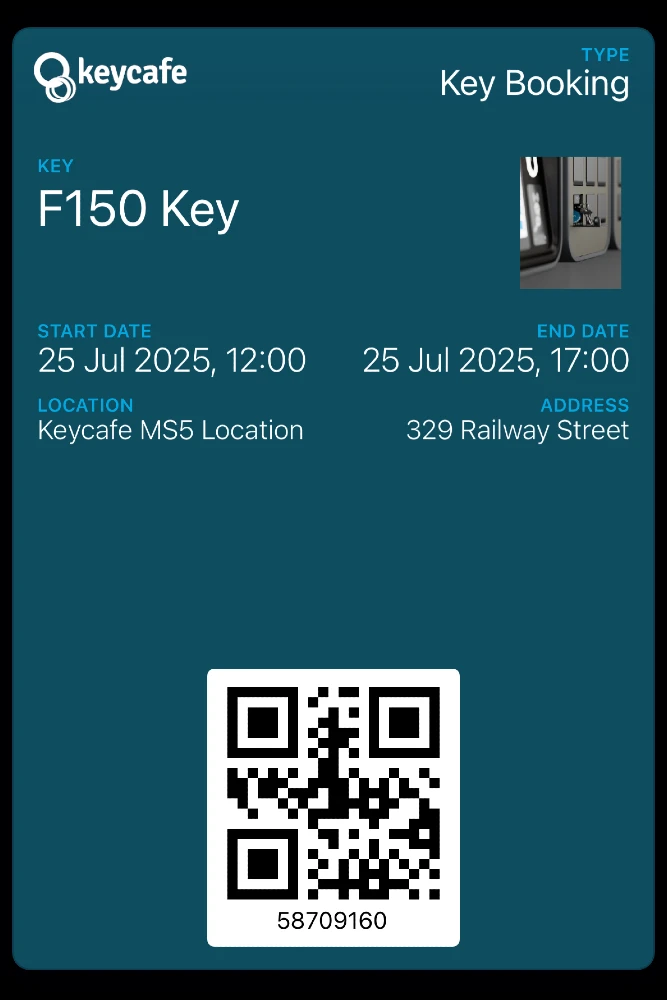
    Key pickup is now easier than ever for your guests, visitors, and other one-time users. Booking notification emails now include the option to add a pass to your Apple or Google Wallet, making it simple for users to access their booking details with a tap. The pass contains a QR code and booking code, ready to be scanned at MS5 SmartBoxes.

    Screenshot of a Keycafe booking in Apple Wallet

    After-Hours Customer Key Drop Off

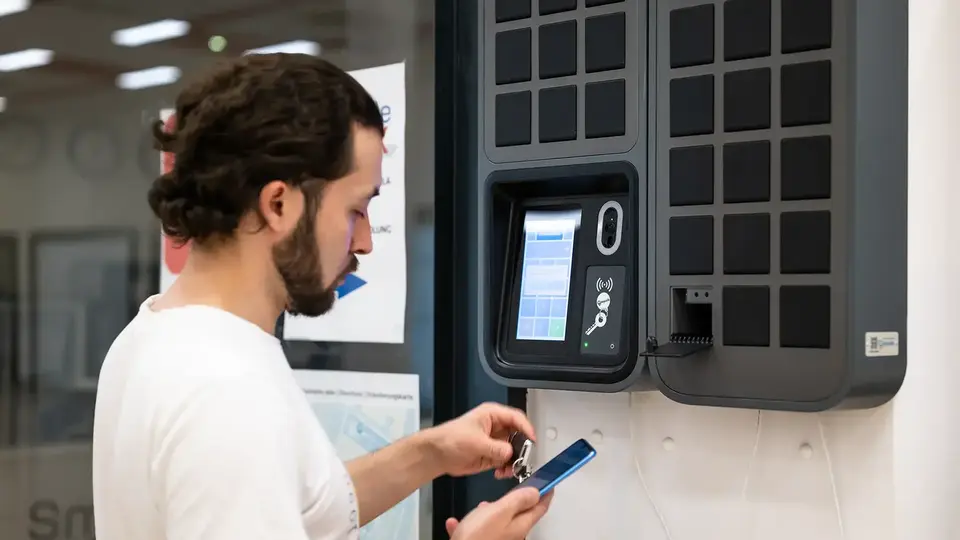
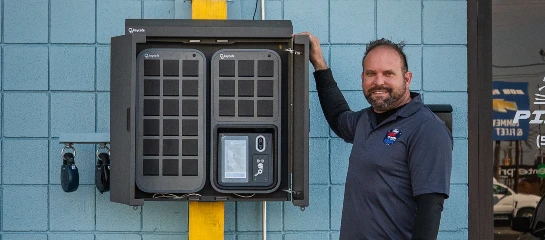
    Need a secure way for customers to drop off keys after business hours, without relying on Keycafe fobs? This new workflow is perfect for auto repair shops, dealerships, or any business that wants to offer customers the flexibility to deposit keys on their own time—without staff being present.

    After scanning a QR code at the SmartBox and filling out a simple form, customers receive an SMS with a code that can be used to drop off their keys.

    Learn how to set up after-hours drop off.

    Zapier Integration: Automate Your Workflows

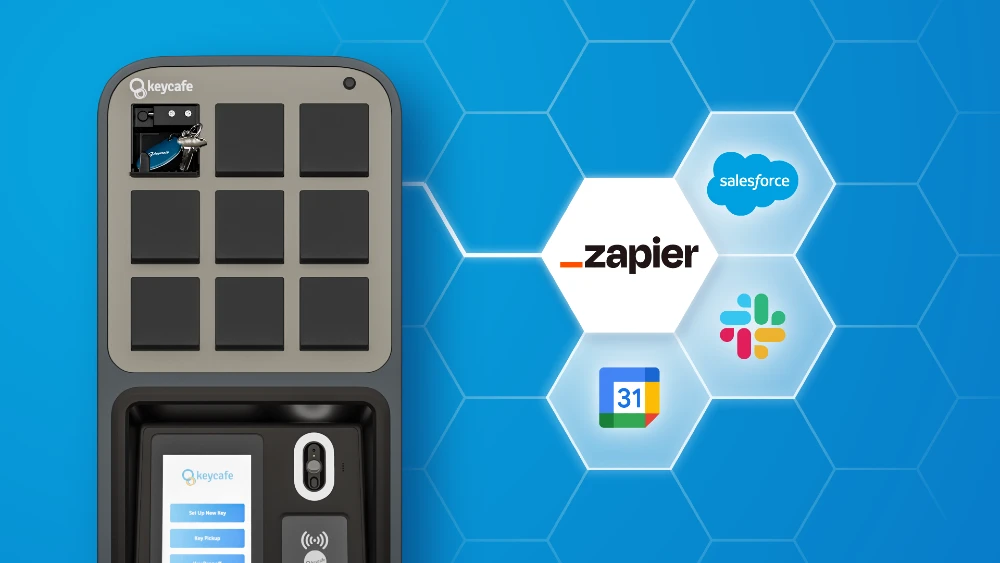
    We’ve officially launched our Zapier integration, connecting Keycafe with thousands of other apps like Slack, Google Sheets, Salesforce, and more. Automate actions such as creating a key or scheduling a booking based on triggers in the software you already use—no coding required.

    Explore automation with Zapier.

    We’d Love to Hear Your Feedback

    Have questions about these new features, or suggestions for other improvements you’d like to see? Let us know on our Subreddit!

    Frequently Asked Questions

    Booking notification emails now include an option for guests to add a digital pass directly to their Apple or Google Wallet. These passes contain both a QR code and a unique booking code, allowing users to authenticate at an MS5 SmartBox with a single tap of their phone. This eliminates the need for guests to search through their emails for access details, ensuring a faster and more convenient check-in experience.

    This workflow allows customers to securely return keys outside of regular business hours without needing a Keycafe fob attached to the keys. Customers simply scan a QR code at the SmartBox and complete a short digital form to receive a one-time SMS drop-off code. It is an ideal solution for auto dealerships and repair shops that want to offer 24/7 flexibility while maintaining an automated record of every return.

    The integration allows businesses to connect their key management system to over 7,000 apps—including Slack, Salesforce, and Google Sheets—to automate repetitive tasks without writing code. For example, a new booking in a property management tool can automatically trigger the creation of a key or a reservation in Keycafe. This ensures that physical access permissions are always synchronized with the triggers and workflows of a company's existing tech stack.

    Ready for smart key management

    Customize and purchase your SmartBox deployment today or you can get in touch with our sales team to learn more about how we can help your business.

    Learn about our devices

    Discover how the Keycafe SmartBox and our cloud platform secure, track, and automate every key exchange.

    Business Key Management

    Find the right plan for you

    Flexible pricing that scales with your team. Compare plans and pick what fits your operation.

    Pricing Details