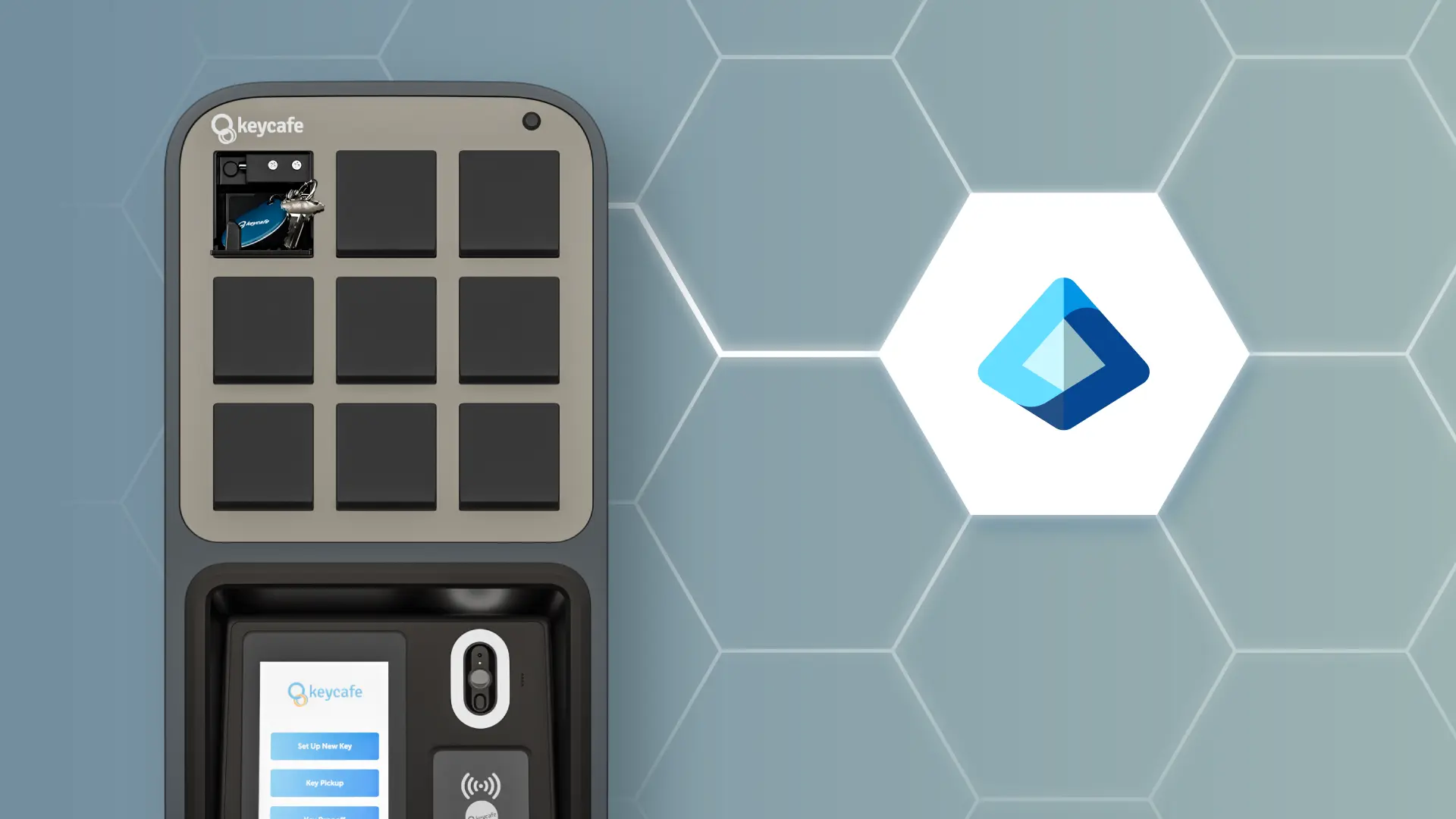

Keycafe has released SCIM provisioning support optimized for Microsoft Entra ID (formerly known as Azure Active Directory). This integration enables IT teams to automate the user lifecycle, ensuring physical key access permissions stay synchronized with your digital directory. By linking the two systems, Entra ID acts as your single source of truth for all user identities.
How SCIM Integration Works with Microsoft Entra ID
The integration automates repetitive administrative tasks through real-time synchronization:
- Automated Provisioning: New users assigned to Keycafe in Entra ID have their profiles created automatically.
- Profile Updates: Attribute changes in your directory reflect in Keycafe instantly.
- Instant Deprovisioning: Access is revoked the moment an account is deactivated in Entra ID, securing your facility and assets immediately.
- Group Sync: Scale permissions by syncing Entra ID groups directly to Keycafe.
Technical Advantages for IT Teams
This release removes the burden of manual data entry and CSV management. It eliminates "orphaned" accounts, ensuring that physical access is as strictly managed as digital access. By centralizing administration within your existing Microsoft stack, you reduce IT overhead and improve the accuracy of your real-time access logs.
Availability and Setup
This workflow is officially verified for Microsoft Entra ID and is available to all users on the Business Pro plan. Visit our Help Centre for more information on how to set up Microsoft Entra ID for Keycafe user management.