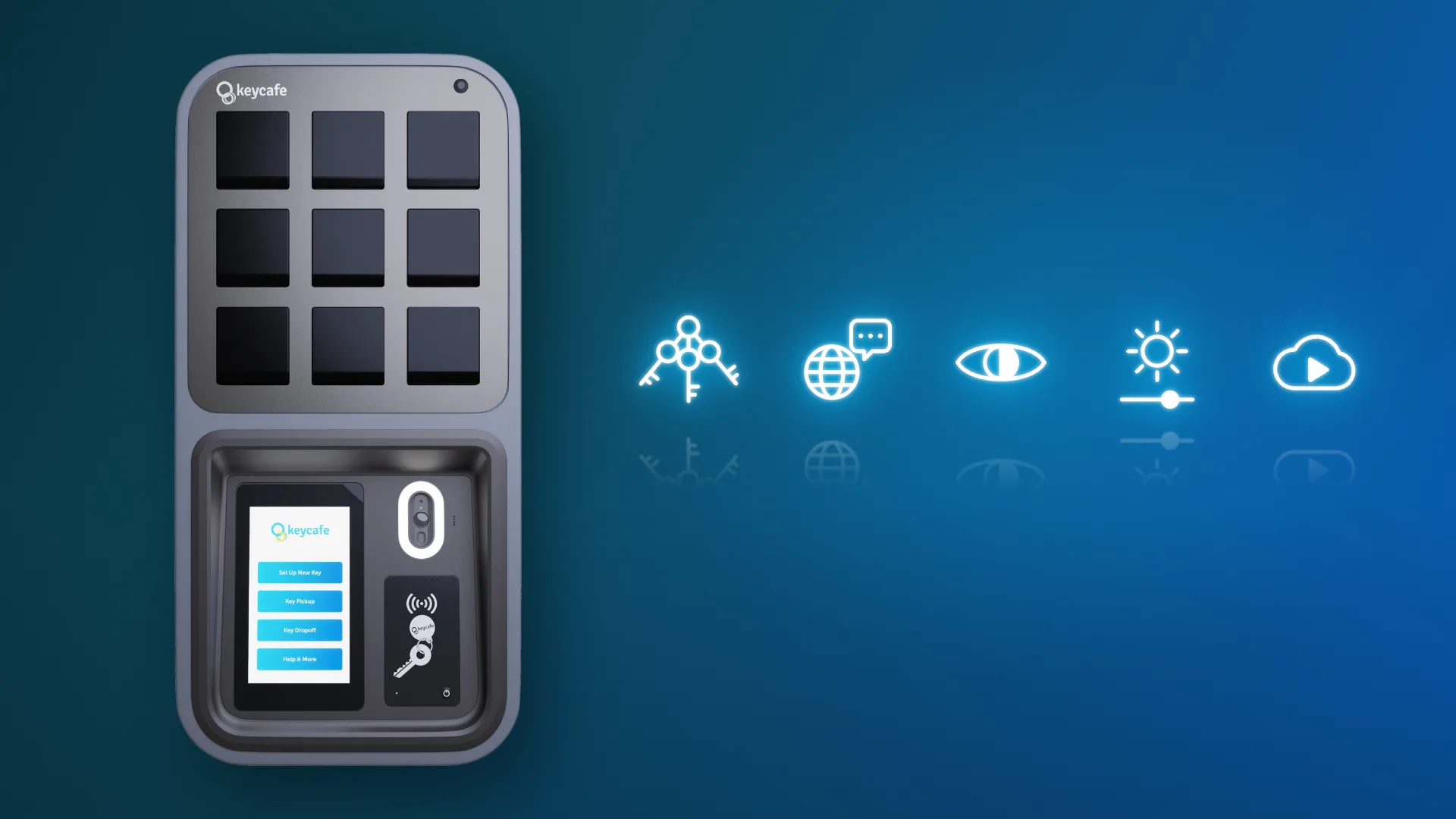

This month’s update brings five improvements to the SmartBox. Users can pick up several keys in one visit and use two new languages. The screen is easier to read and you can now control its brightness. Cloud video is also kept longer. Here's what's new.
Multi-Key Pickup at the SmartBox
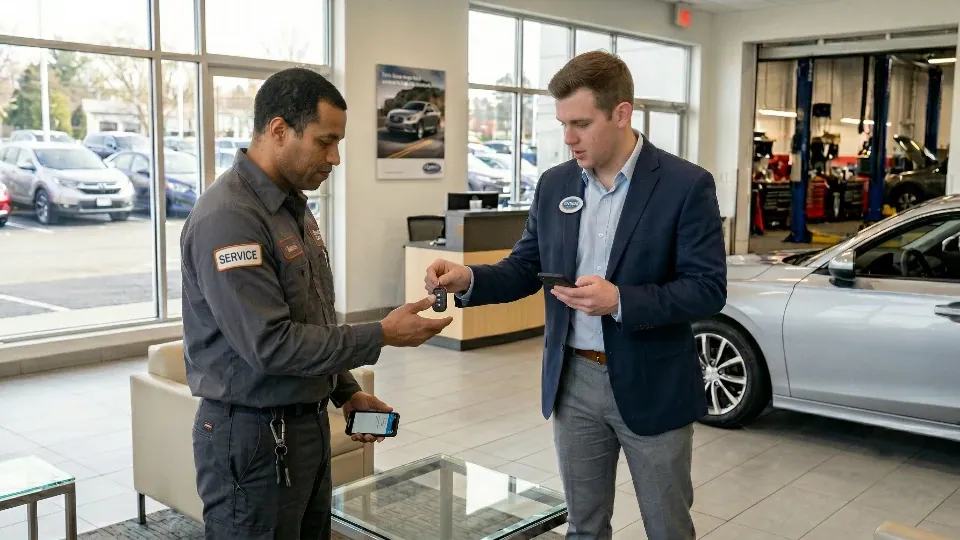
Many users need more than one key at a time. A service technician might need keys for three vehicles. A property manager might need keys for several units on the same floor.
Until now, each key picked up at the SmartBox screen meant starting a new pickup. Now, after a regular key pickup, a new option on the screen lets users pick up more keys right away.
This saves time for staff who authenticate with access codes or badges instead of the mobile app.
Multi-Key Pickup at the SmartBox is available now for organizations on the Business Pro plan.
Learn more about how to pick up multiple keys.
New SmartBox Languages: Arabic and Lithuanian
Arabic and Lithuanian are now available as language options on the SmartBox.
This is useful for hotels, car rental agencies, or any business with international customers. It also helps internal teams with multilingual staff.
Both languages are coming soon to the Keycafe app.
Set languages for your SmartBox today.
SmartBox Visual Accessibility Update
The default SmartBox theme now conforms with WCAG 2.2. WCAG, the Web Content Accessibility Guidelines, is a widely used standard for accessible digital interfaces.
To meet it, we made small changes to the theme's colours, buttons, and screens. Clearer contrast and easier-to-see buttons help users with low vision. They also help anyone using the SmartBox in harsh or low lighting.
The layout hasn't changed, so your team won't need to relearn anything.
SmartBox Screen Brightness Setting
You can now control how bright the SmartBox screen is when it's idle. This setting is set per Location and has two levels:
Active hours brightness: How bright the idle screen is during your location's active hours.
Dimmed brightness: A lower level for the idle screen outside active hours.
A brighter screen makes the SmartBox easy to spot in a busy showroom. A dimmer screen after hours draws less attention in a dark parking garage or closed lobby. When in use, the SmartBox screen will always be set to 100% brightness.
Read more about screen brightness and auto-dimming.
Cloud Video Now Stored for 90 Days
Video footage stored in the cloud is now kept for 90 days.
Key problems aren't always found right away. A vehicle damage claim may arrive weeks after the rental. A missing key may only come to light during a month-end audit. Ninety days of footage gives you more time to look back at what happened.
Cloud Video Storage is available on the Business Pro plan for SmartBoxes connected by WiFi or Ethernet.